EasyManua.ls Logo

Neptronic SK300 series Bacnet - User Manual

Neptronic SK300 series Bacnet
52 pages
Print Icon
To Next Page IconTo Next Page
Loading...
SK300 BACnet-160907.docx
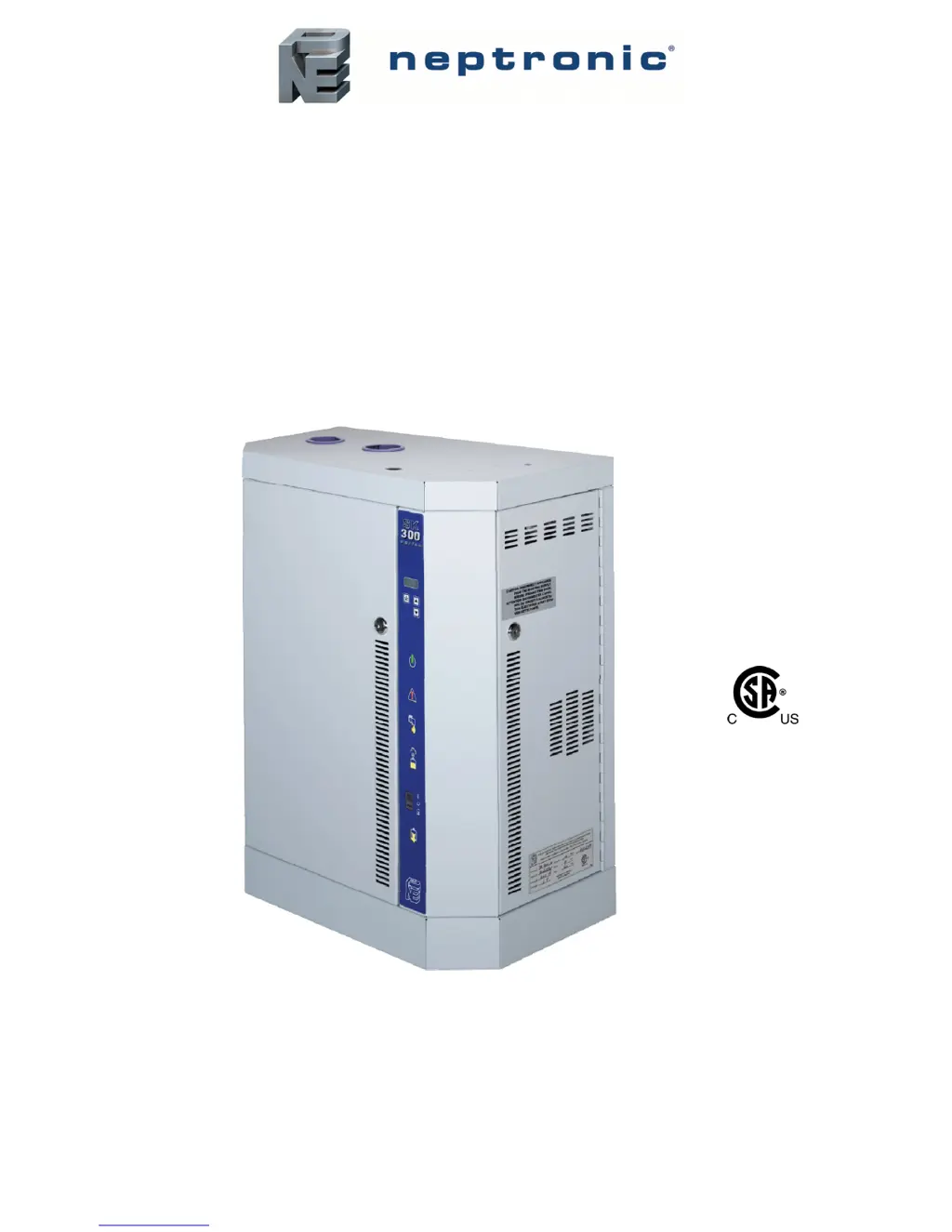
Steam Humidifier
SK300 Series BACnet
Installation Instructions and User Manual

Table of Contents

Other manuals for Neptronic SK300 series Bacnet

Questions and Answers

  • T
    Tiffany KempSep 23, 2025
    Why won't my Neptronic Humidifier drain and the CHECK light is on?
    • B
      Brad WareSep 23, 2025
      If your Neptronic Humidifier will not drain and the CHECK light is on, verify the drain valve, the fill and drain water pipe connection, and the water level sensor chamber are not obstructed. During a Drain or Foaming cycle, the water level sensor may have sensed the water level has not decreased. Reset the Alarm.
  • C
    christinewalkerAug 23, 2025
    Why is my Neptronic Humidifier not producing steam?
    • S
      Shannon FernandezAug 23, 2025
      If your Neptronic Humidifier isn't producing steam, check the interlock switch. Also, verify the wires to the control terminal blocks #F & 5 are properly secured.
  • L
    Lisa HenryAug 25, 2025
    What to do if my Neptronic Humidifier is not producing steam?
    • P
      Paul MartinAug 26, 2025
      If your Neptronic Humidifier isn't producing steam, check the fan operation. The issue may be that air flow is not detected by the air pressure switch. Also, verify the wires to the control terminal blocks #F & 2 are properly secured.
  • C
    Carla MortonAug 26, 2025
    How to fix a Neptronic Humidifier that is not producing steam?
    • E
      erinmillerAug 27, 2025
      If your Neptronic Humidifier isn't producing steam, check the operation of the high limit humidistat. The issue may be that the high limit humidistat is open. Also, verify the wires to the control terminal blocks #F & 1 are properly secured.
  • A
    allen77Aug 27, 2025
    What to do if my Neptronic SK300 Bacnet Humidifier does not drain and the CHECK light is ON?
    • W
      wthomasAug 27, 2025
      If your Neptronic Humidifier is not draining and the CHECK light is on, it indicates that during a Drain or Foaming cycle, the water level sensor has sensed that the water level has not decreased. Verify that the drain pump, the fill and drain water pipe connection, and the water level sensor chamber are not obstructed.
  • L
    Linda GreenSep 18, 2025
    Neptronic Humidifier CHECK light on and not operating, why?
    • C
      Casey RhodesSep 18, 2025
      If your Neptronic Humidifier is not operating and the CHECK light is on, verify the water level sensor and water level chamber and clean if necessary. The time elapse between two refills may be too long when the humidifier is producing steam. Reset the Alarm.
  • S
    Sharon RossSep 15, 2025
    How do I fix Neptronic Humidifier with CHECK light on?
    • S
      smithkaylaSep 15, 2025
      If your Neptronic Humidifier is not operating and the CHECK light is on, verify the internal wirings and connections. The internal 24vac of the humidifier may be shorted. Replace the fuse.
  • R
    ruizjeremySep 16, 2025
    Why is my Neptronic Humidifier not working with CHECK light on?
    • K
      Kenneth Brown Jr.Sep 16, 2025
      If your Neptronic Humidifier is not operating and the CHECK light is on, check the external wirings. The external 24vac provided to the humidifier may be shorted.
  • J
    John MillerSep 6, 2025
    How to fix Neptronic Humidifier when CHECK light is on?
    • D
      Deborah HaysSep 7, 2025
      If your Neptronic Humidifier is not operating and the CHECK light is on, verify if the humidifier was operating below the standard water level. The electronic temperature sensor inside the water level sensor may have sensed abnormal temperature. If necessary, replace item J.
  • J
    Jeffrey RodriguezSep 3, 2025
    How to troubleshoot a Neptronic Humidifier that won't turn on?
    • C
      Collin ValenzuelaSep 4, 2025
      If your Neptronic Humidifier isn't powering on, first, ensure it's receiving main power and check the fuses. Also, inspect the wire harnesses inside the humidifier and the main PC board to confirm they are properly secured.

Neptronic SK300 series Bacnet Specifications

General IconGeneral
SeriesSK300
Communication ProtocolBACnet
Humidification TypeSteam
Enclosure RatingNEMA 1
InstallationWall mount

Related product manuals