EasyManua.ls Logo

Neptronic SKE4-N Series - User Manual

Default Icon
60 pages
Print Icon
To Next Page IconTo Next Page
Loading...
SKE4-N-ESL-180306
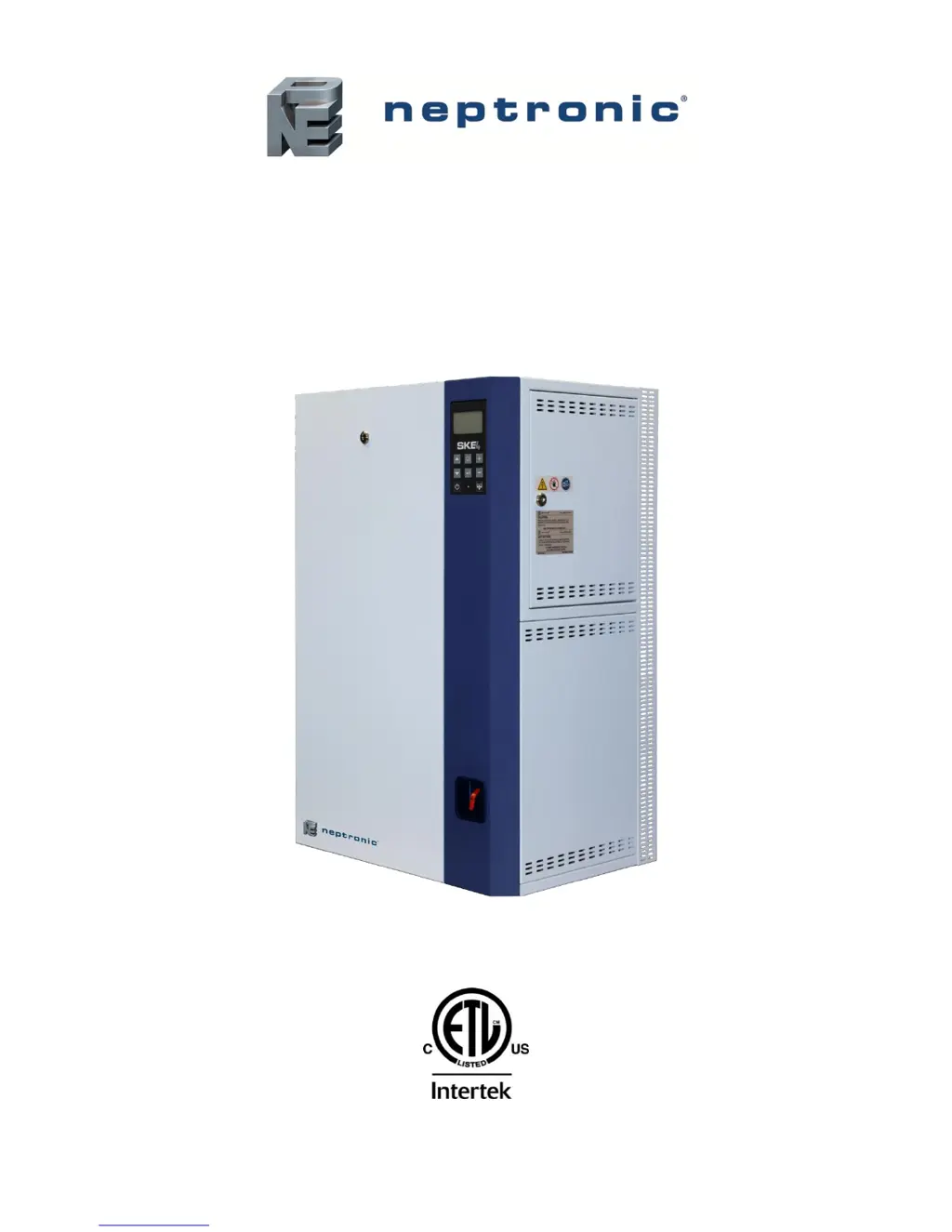
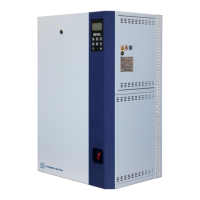
Steam Humidifier
SKE4-N Series
Installation Instructions and User Manual
READ AND SAVE THESE INSTRUCTIONS
4011008

Table of Contents

Questions and Answers

  • W
    wilsonjessicaAug 4, 2025
    How to fix a Neptronic SKE4-N Humidifier that is not producing steam?
    • B
      Bernard BlackAug 5, 2025
      If your Neptronic Humidifier isn't producing steam, here's what you can check: * For modulating humidifiers: Verify the setting of the control input, as there may be no analog signal detected. * For On/Off humidifiers: Verify the setting of the humidistat, as there may be no demand from it. * Check the fan operation, as airflow might not be detected by the air pressure switch. * Check the operation of the high limit humidistat, as it might be open. * Check the interlock contact, as it might be open. * Verify the connections of the wires to the control terminal blocks, as control wires might not be properly secured.
  • T
    Tiffany TuckerAug 9, 2025
    What does it mean if the Status Display LED is Red and ThermalCutout setting displays Open on Neptronic SKE4-N?
    • M
      millerthomasAug 9, 2025
      If your Neptronic Humidifier is not operating and the Status Display LED is red, with the ThermalCutout setting displaying 'Open', it indicates that the high temperature switch has sensed abnormal temperature. Verify if the humidifier was operating below the standard water level. Replace water level sensor if necessary.
  • I
    Ian ZavalaAug 13, 2025
    What to do if my Neptronic Humidifier does not operate and the screen is turned off?
    • R
      robinsonjasonAug 13, 2025
      If your Neptronic Humidifier isn't operating and the screen is off, there are several potential causes: * **Power Supply:** Check the main power supply and fuses. Verify the circuit breaker disconnect switch. * **Low Voltage Fuse:** Check the transformer and the low voltage fuse. Verify that the low voltage circuit is complete. * **Wire Harnesses:** Check the wires harnesses and the main PC board. Verify that all connections have been made properly.
  • C
    cowandavidAug 17, 2025
    Why is my Neptronic Humidifier always on foam cycle?
    • C
      Caroline ChangAug 17, 2025
      If your Neptronic Humidifier is constantly running the foam cycle, it indicates an excessive foaming condition inside the evaporation chamber. To resolve this: * Verify the quality of the supply water. * Verify if chemical products were used to clean the evaporation chamber during maintenance. Rinse the chamber properly with water. * Check the setting of the drain cycle and consider reducing the time between drain cycles.
  • V
    vlevyAug 21, 2025
    Why is my Neptronic Humidifier not draining?
    • J
      jbernardAug 21, 2025
      If your Neptronic Humidifier is not draining, it could be due to the following reasons: * The drain valve is clogged. Check the drain valve. * During a drain or foaming cycle, the water level sensor has sensed that the water level has not decreased. Verify that the drain pump, the fill and drain water pipe connections and the water level sensor chamber are not obstructed.
  • R
    Rose ThomasAug 27, 2025
    What causes the Neptronic Humidifier to not stop draining?
    • B
      Breanna MorganAug 27, 2025
      If there's no water inside the evaporation chamber, or your Neptronic Humidifier won't stop draining, it could be because the humidifier is being filled with water but has not yet reached or does not reach the high limit of the water level sensor. To solve this: * Verify that the drain valve is open. * Check if the shutoff valve on the water supply line is open. * Verify the operation of the fill valve. * Check that the fill valve strainer and the external strainer are not blocked.
  • D
    David KennedyAug 30, 2025
    Why is my Neptronic Humidifier producing steam even when the screen is off?
    • T
      Tracey CurtisAug 30, 2025
      If your Neptronic Humidifier is producing steam even when the screen is off, it could be due to: * The display FFC cable is not connected properly. Verify that the connections of the FFC cable are properly secured and are on the correct side. * The LCD display is defective. Replace the LCD display.

Summary

Foreword

Electrical Installation Safety

Warning about qualified personnel for electrical work.

Humidifier with Space Distribution Unit (SDU)

Weather Proof Enclosure

Humidifier Output and Power Consumption

Performance Data Table

Details steam capacity, power, and amperage for each model.

Mechanical Installation Guide

General Installation Recommendations

Essential advice prior to starting installation work.

Humidifier Positioning Requirements

Clearance and Height Placement

Specifies necessary space around and under the unit.

Wall Mounting Instructions

Mounting Bracket Placement Details

Information on positioning brackets for wall installation.

SDU Positioning and Clearances

Weather Proof Enclosure Positioning

S.A.M. & S.A.M.E2 Duct Mounting

Steam Output Connections

General Steam Piping Best Practices

Rules to prevent condensation and ensure optimal steam delivery.

Steam Line Condensate Management

Proper installation of steam traps to handle condensate.

Remote SDU Installation

Plumbing Connections

Water Supply Connections

Inlet Requirements and Installation

Specifications for water pressure, temperature, and plumbing connections.

Water Drain Connections

Drain Piping and Gradient Specifications

Requirements for connecting and sloping drain lines.

Electrical Connection Safety

High Voltage Power Wiring

Safety precautions and procedures for connecting the main power supply.

Low Voltage Control Wiring

Electrical Control Interface

Safety Contact Wiring

Connecting airflow, high limit, and interlock safety switches.

Humidifier Control Options

Modulating Humidifier Control

Internal Humidity Control

Network Communication Setup

Control Device Placement in Ducts

Controller Operation and Configuration

General Menu Settings

Installation Menu Settings

Integration Menu Settings

System Alarms and Troubleshooting

Comprehensive Alarm List and Reset

Descriptions and reset methods for all system alarms.

Start-Up Procedure

Pre-Start Initial Verification Checklist

Essential checks before powering up the humidifier.

Humidifier Power-On and Initial Checks

Step-by-step guide for initial operation after installation.

Service and Maintenance

Evaporation Chamber Cleaning Guide

Detailed instructions for cleaning the humidifier's main chamber.

Troubleshooting Common Issues

Problem Identification and Corrective Actions

A guide to diagnose and fix operational problems.

Neptronic SKE4-N Series Specifications

General IconGeneral
SeriesSKE4-N
Phase1
Connection Size1/2 in. NPT
InstallationWall Mount
Housing MaterialStainless steel

Related product manuals