EasyManua.ls Logo

Neptronic SK300 series - User Manual

Neptronic SK300 series
52 pages
Print Icon
To Next Page IconTo Next Page
Loading...
SK300 BACnet-160907.docx
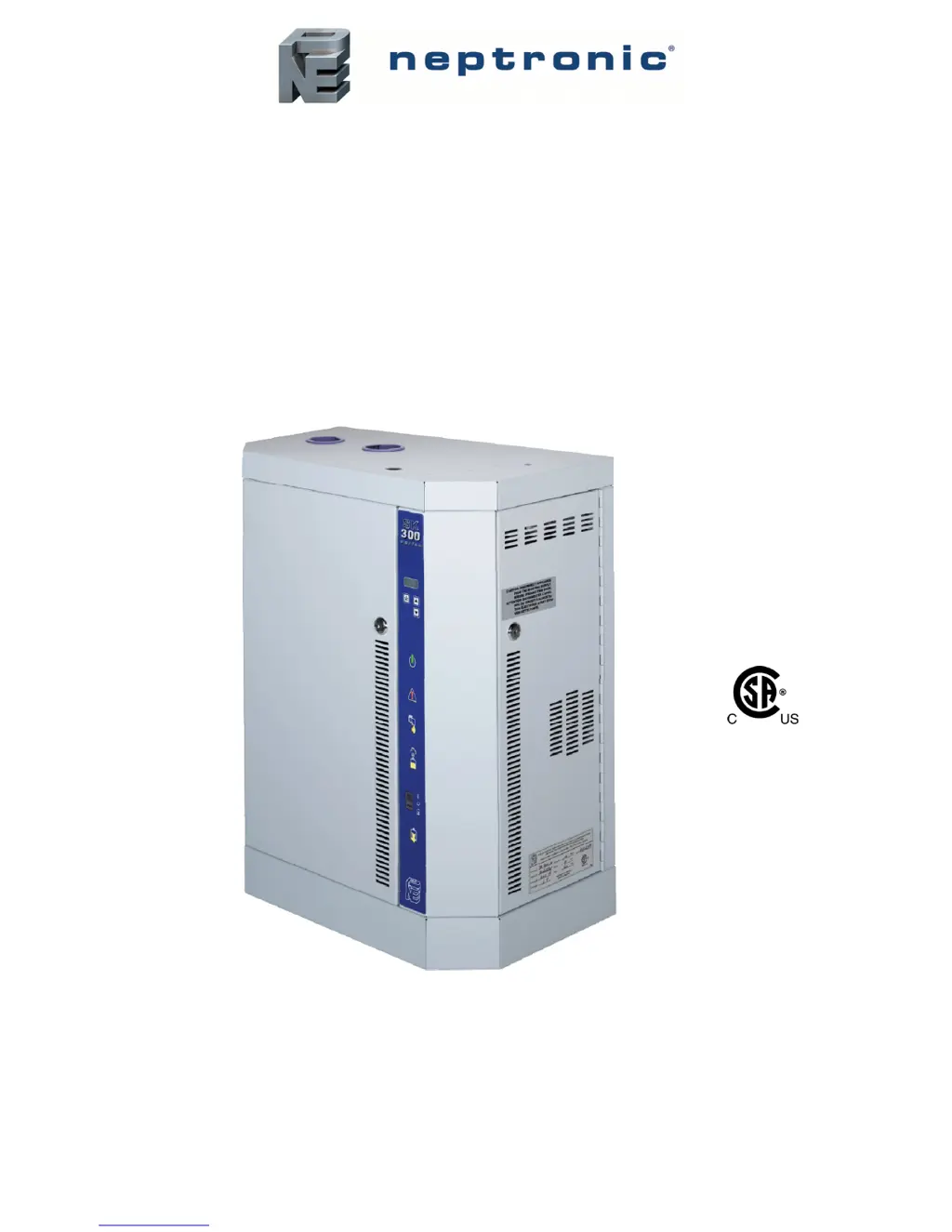
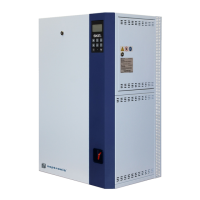
Steam Humidifier
SK300 Series BACnet
Installation Instructions and User Manual

Table of Contents

Other manuals for Neptronic SK300 series

Questions and Answers

Summary

Foreword

Neptronic Company Overview

Background information about the company's founding, expertise, and global presence.

About the Manual

Details the purpose of the manual and conditions for warranty and conformity.

Electrical Safety

Emphasizes that electrical installation must be performed by qualified personnel.

Correct Use

Specifies that the products are designed for humidification only.

Handling and Lifting

Unpacking Instructions

Guidance on how to unpack the humidifier and prepare it for installation.

Product Overview

List of Accessories Supplied

Details the accessories included with the SK300 Steam Humidifier.

Available Options

BACnet Network Communication Options

Lists features available with the BACnet communication module.

Description of Components

Humidifier with Space Distribution Unit

Dimensions and Weight of SDU

Provides dimensions and weight specifications for SDU models.

Weather Proof Enclosure

Weather Proof Enclosure - Dimensions and Weight

Specifies dimensions and weight for the weather-proof enclosure.

Output and Power Consumption

Table 3 - Output and Power Consumption

Details steam output capacity, power consumption, and amperage.

Mechanical Installation

General Installation Recommendations

Key considerations for mechanical installation, including safety and location.

Location Guidelines

Advice on selecting the optimal location for the humidifier.

Positioning Requirements

Specifies clearances and height requirements for humidifier placement.

Wall Mounting

Table 4 - Dimensions for Drilling Holes

Provides hole dimensions for wall mounting based on humidifier model.

Positioning and Mounting - Weather Proof Enclosure Unit

General Recommendations for Weather Proof Enclosure

Key considerations for positioning and mounting the weather-proof enclosure.

Steam Dispersion System

Steam Dispersion System Selection

Overview of four basic configurations for steam distribution systems.

Steam Absorption Manifold (S.A.M) Horizontal Duct

Description of S.A.M system for horizontal ducts.

Steam Absorption Manifold (S.A.M.E2) Horizontal Duct

Steam Absorption Manifold (S.A.M. or S.A.M.E2 ) Vertical Duct

Multi Steam System

Positioning S.A.M and S.A.M.E2

Duct Mounting Procedures

Guidance on mounting S.A.M and S.A.M.E2 manifolds in air ducts.

Table 5 - Recommendation for S.A.M Distribution Pipes

Recommendations for distribution pipe diameter and length.

Placement of Steam Pipe in Horizontal Duct

1 ¼ (35 mm) Diameter Pipe Placement

Details for placing 1 ¼" steam pipes in horizontal ducts.

2 ¼ (51 mm) Diameter Pipe Placement

Details for placing 2 ¼" steam pipes in horizontal ducts.

Placement of Steam Pipe in Vertical Duct

Eyelet Orientation

Diagram showing eyelet orientation for vertical steam pipe placement.

1 ¾ (35 mm) Diameter Pipe

2 ¼ (51 mm) Diameter Pipe

Steam Output Connections

General Installation Recommendations for Steam Output

Rules to avoid restrictions, condensation, and malfunctions in steam output piping.

S Trap Installation on the Steam Line

Guidance on installing steam traps in the steam supply piping.

Position of Steam Output

Small Cabinet Steam Output Positions

Specifies steam output connection points for small cabinets.

Medium Cabinet Steam Output Positions

Specifies steam output connection points for medium cabinets.

Large Cabinet Steam Output Positions

Installation - Humidifier with SDU

SDU Installation Guidelines

Recommendations for installing the SDU with the humidifier.

Remote Installation of SDU

Maintenance of the SDU

Instructions for cleaning the SDU blower if dust accumulates.

Plumbing Connections

Plumbing Installation Conformance

Emphasizes adherence to local and national codes for plumbing.

Water Supply Specifications

Details water inlet pressure, temperature, and connection requirements.

Water Connections

Drain Connections

Specifies drain temperature, fitting types, and pipe requirements.

Power Supply Connections

One and Three Phase Power Connections

Illustrates power connection terminals for single and three-phase units.

Low Voltage Control Connections

Modulating Humidifier Control

Describes humidity control for modulating humidifiers.

Humidity Control by Humidistat (External Mode)

Wiring diagram for external humidistat control.

Humidity Control by Humidifier (Internal Mode)

VAV System Humidity Control

Wiring for VAV systems using sensors for humidity control.

Control Signals

Control Signal 0-10 Vdc

Wiring instructions for 0-10 Vdc control signals.

Common Alarm Connections

Controls Placement (Steam Dispersed into a Duct or AHU)

BACnet Interface Setup

BACnet Interface PCB and Port

Location and description of the BACnet interface PCB and port.

DIP Switch Settings

Configuration settings for DIP switches on the BACnet interface.

DS1.1 - Mode Selection

Configuration for operational or setup mode via DS1.1 DIP switch.

DS1.2 and 3 - Baud Rate Selection

Settings for selecting the communication baud rate.

Display Features

Front Panel Overview

Identifies and describes the front panel components and indicators.

Table 7 - Humidifier Front Panel Display Description

Detailed descriptions of front panel display elements and their functions.

Modes - Description

OFF Mode Description

Details the display information when the unit is in OFF mode.

Scroll Mode Description

Information displayed during normal operation in AUTO mode.

Table 8 - Scroll Mode Display Description

Defines the parameters displayed in scroll mode.

Diagnostic Mode

Table 9 - Diagnostic Mode Display Descriptions

Lists diagnostic messages, their descriptions, and default values.

Alarms

Programming Mode

CONTROL EXTERNAL Setting

Selects the external control mode for the humidifier.

SETPOINT 40% RH Setting

Sets the desired relative humidity setpoint.

DUCT SRC DISABLE Setting

Disables or selects the source for duct high limit humidity.

Programming Options

SERVICE 1000 HRS Setting

Sets the service interval based on operating hours.

LOCK ON 80% PWR Setting

Selects the output span for 80% power delivery.

RESET ALRM NO Setting

Enables or disables the reset alarm option.

Start-up Procedure

Manual Cleaning Cycle

Procedure for performing a manual cleaning cycle before operation.

Service and Maintenance

Clean the Evaporation Chamber

Step-by-step guide to cleaning the humidifier's evaporation chamber.

Stage 1 - Shut down electrical supply and disassemble the humidifier

Stage 2 - Remove and clean the evaporation chamber

Water Level Sensor

Stage 3 - Reassemble the humidifier

Stage 4 - Restart and reset the humidifier

Exploded View and Bill of Material

Exploded View of Humidifier

Diagram showing the humidifier's components in an exploded view.

Bill of Material

Table 10 - Model Description and Part Numbers

Lists humidifier models and their corresponding part numbers.

Table 11 - Model, Heater Element, Transformer, and Voltage Description

Troubleshooting Guide

Humidifier does not operate (Power Off)

Troubleshooting steps when the humidifier shows no power.

Humidifier does not operate (Power On)

Troubleshooting steps when the unit is powered but not operating.

Humidifier does not produce steam (No Demand)

Troubleshooting steps when no steam is produced due to lack of demand.

Humidifier Steam Production Issues

No Steam Production (Airflow Open)

Troubleshooting for no steam due to airflow detection failure.

No Steam Production (High Limit Cut-Out)

Troubleshooting for no steam due to high limit humidistat activation.

Water Level or Draining Issues

Troubleshooting for no water or continuous draining problems.

Humidifier Operational Status Issues

Humidifier Always on Foam Cycle

Troubleshooting for persistent foaming conditions.

Humidifier Operating with Blinking Check Light

Troubleshooting when the check light blinks indicating service needed.

Humidifier Not Operating with ON Check Light

Troubleshooting for non-operation when check light is continuously ON.

Humidifier Malfunction Indicators

Not Operating (Probe Defected)

Troubleshooting water level sensor probe defects.

Does Not Drain (Check Light ON)

Troubleshooting drain failures when the check light is on.

Does Not Operate (Klixon Open)

Troubleshooting for non-operation due to high temperature switch.

Humidifier Error Codes

Does Not Operate (PCB Fuse Open)

Troubleshooting for internal 24VAC short circuit.

Does Not Operate (24 VAC Shorted)

Troubleshooting for external 24VAC short circuit.

Does Not Operate (24 VAC Shorted - Sensor;Fan)

Troubleshooting short circuits related to sensor or cooling fan.

Does Not Operate (Refill Timeout)

Troubleshooting for excessive refill time during steam production.

Humidifier Performance Errors

Does Not Operate (Water Temp Defected)

Troubleshooting for defective water temperature sensor.

Does Not Operate (SSR Overheated)

Troubleshooting for SSR overheating.

Does Not Produce Steam (Interlock Open)

Troubleshooting for no steam production due to open interlock.

Neptronic SK300 series Specifications

General IconGeneral
TypeSteam Humidifier
Voltage208 to 600 VAC
Power SupplyElectric
Phase3
ControlDigital
Control Options4-20mA
MaterialsStainless steel
Drain Connection1 in. NPT
Water Inlet Connection0.5" NPT

Related product manuals