Web Interface Factory reset
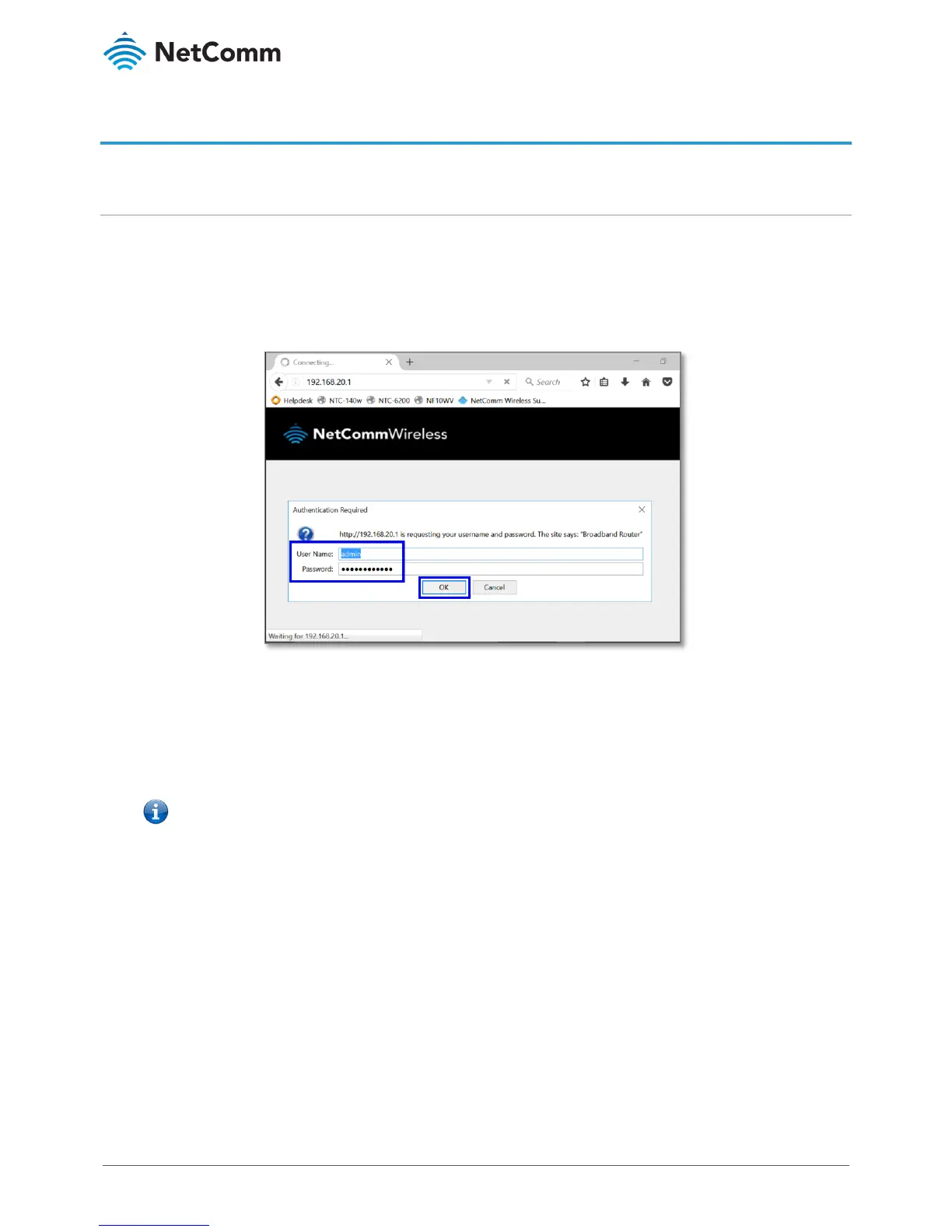
Log in to the web user interface
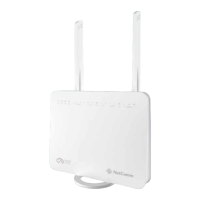
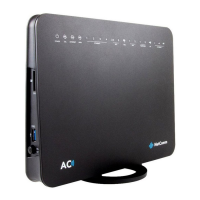
Connect a computer and the NL1901ACV using an Ethernet cable. (A yellow Ethernet cable was provided with your
NL1901ACV).
1 Open a web browser (such as Google Chrome or Mozilla Firefox), type following address into the address
bar and press
Enter.
http://192.168.20.1
2 Enter the following credentials in the
User Name and Password fields:
User Name:
admin
Password: The serial number found on the label on the back of the device
3 Click the
Login button.
– If no authentication prompt is displayed or you see a request time out message, refer to the What if I cannot access Web User
Interface guide from FAQs section.




 To Next Page