CHAPTER
TWELVE
CONFIGURING AN OPT INTERFACE AS AN ADDITIONAL LAN
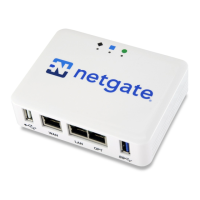
Note: By default the Netgate 2100 is not configured with OPT interfaces. To reconfigure one or more of the LAN
switch ports as an OPT interface, see Switch Overview.
This guide configures an OPT port as an additional LAN type interface. These local interfaces can perform a variety
of tasks, such as being a guest network, DMZ, IOT isolation, wireless segment, lab network, and more.
Configuring an additional LAN
• Requirements
• Assign the Interface
• Interface Configuration
• DHCP Server
• Outbound NAT
• Firewall Rules
– Open
– Isolated
• Other Services
60


 To Next Page