Thank you for purchasing this NETGEAR product. You can visit
https://www.netgear.com/support to register your product, get help, access the
latest downloads and user manuals, and join our community. We recommend that
\RXXVHRQO\RIŴFLDO1(7*($5VXSSRUWUHVRXUFHV
For regulatory compliance information, visit
https://www.netgear.com/about/regulatory/.
See the regulatory compliance document before connecting the power supply.
Some cable devices might not be compatible with certain cable networks. Check
ZLWK\RXUFDEOH,QWHUQHWSURYLGHUWRFRQŴUPWKDWWKLV1(7*($5FDEOHPRGHP
router is allowed on your cable network.
If you are experiencing trouble installing your cable modem, contact NETGEAR at
1-866-874-8924.
Support
The following table lists support contact information for cable Internet providers
that support your cable modem.
Cable Internet
Provider
Support Contact Information
Cox https://www.cox.com/residential/support/home.html
https://www.cox.com/activate
1-888-556-1193
Mediacom
https://support.mediacomcable.com
1-855-Mediacom (1-855-633-4226)
Optimum
https://www.optimum.net/support/contact-us
https://install.optimum.com/JointInstall
1-877-810-6750
Sparklight
https://support.sparklight.com
1-877-692-2253
Spectrum
https://www.spectrum.net/contact-us
https://activate.spectrum.net
1-833-267-6094
;ŴQLW\
KWWSVZZZ[ŴQLW\FRPVXSSRUWDUWLFOHVDFWLYDWHSXUFKDVHGPRGHP
KWWS[ŴQLW\FRPDFWLYDWH
1-800-XFINITY (1-800-934-6489)

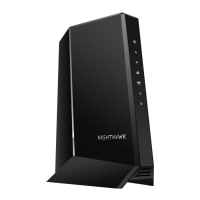
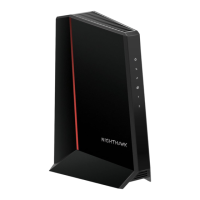
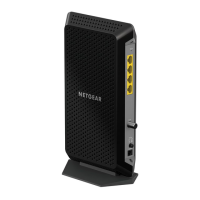


 To Next Page