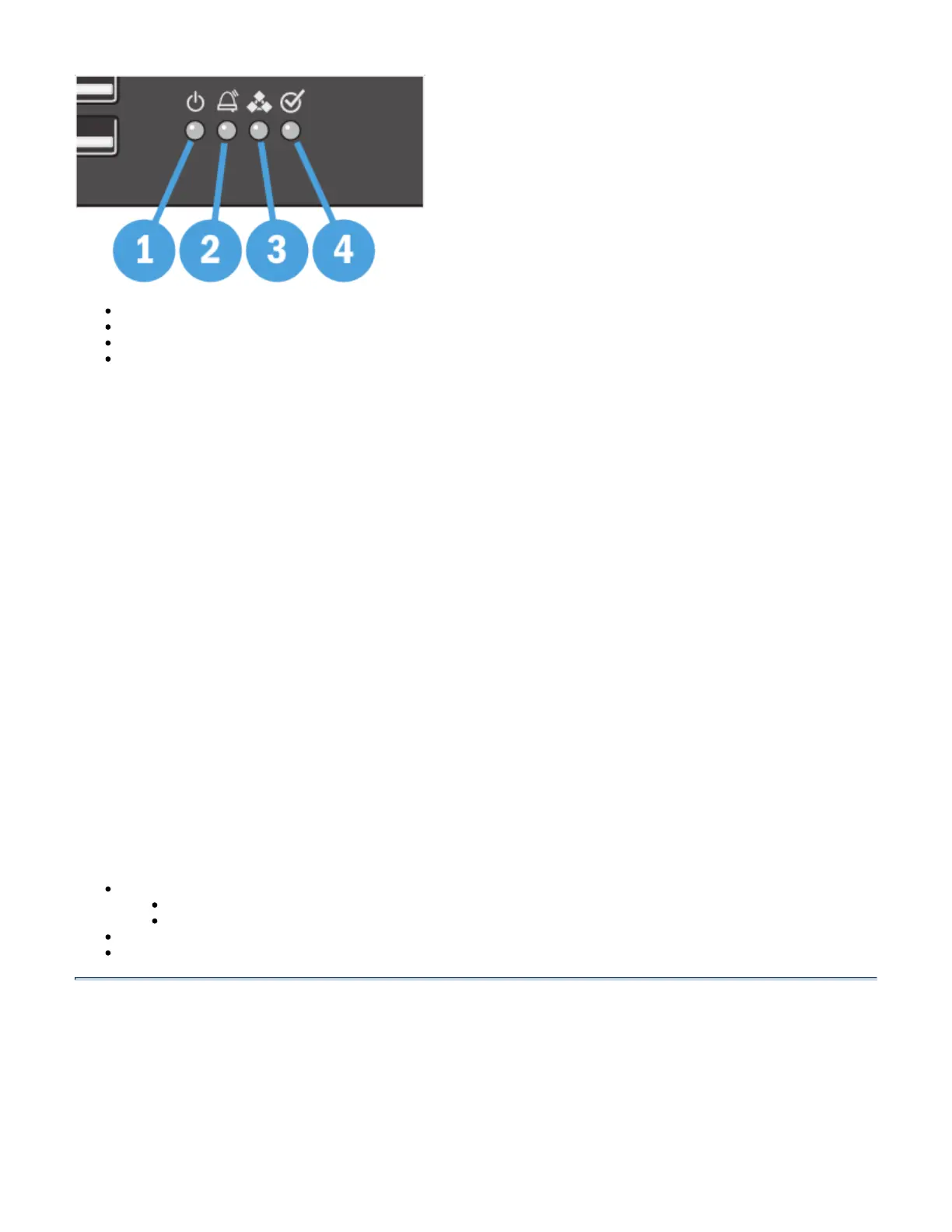
1. Power Status LED
2. Alarms Status LED
3. Peer Node Status LED
4. Ready Status LED
For more information about the error states of these LEDs, see .Status Panel States and Actions
1. Power Status LED
This status LED indicates the power conditions of the UX system. The normal state of this LED is on and green.
2. Alarms Status LED
This status LED indicates if there are any critical alarms active on the UX system. The normal state of this LED is off.
3. Peer Node Status LED
This status LED indicates if the UX system is participating in a peer relationship. The normal state of this LED is off.
4. Ready Status LED
This status LED indicates if the UX system is ready to process calls. The normal state of this LED is on and green.
UX Ethernet and USB Ports
This section describes the Ethernet and USB ports found on the front panel of your US system.
UX Ethernet and Management Ports
Ethernet Ports
Management Port
UX USB Ports
Survivable Branch Appliance (SBA) USB Ports
UX Ethernet and Management Ports
Ethernet Ports
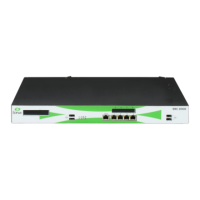
Your UX comes equipped with either four or eight Gigabit Ethernet ports located near the center of the front panel. The ports are grouped in two sets,
ports 1 through 4 on the bottom and ports 5 through 8 on the top as shown below.


 To Next Page