Chapter 3 – Setting Up Your MindWave
Minimum System Requirements
PC
Operating system Windows XP/Vista/7
Processor Core2Duo or greater
Memory 1GB
Hard disk 200MB
USB An available USB port
Replacing The Battery
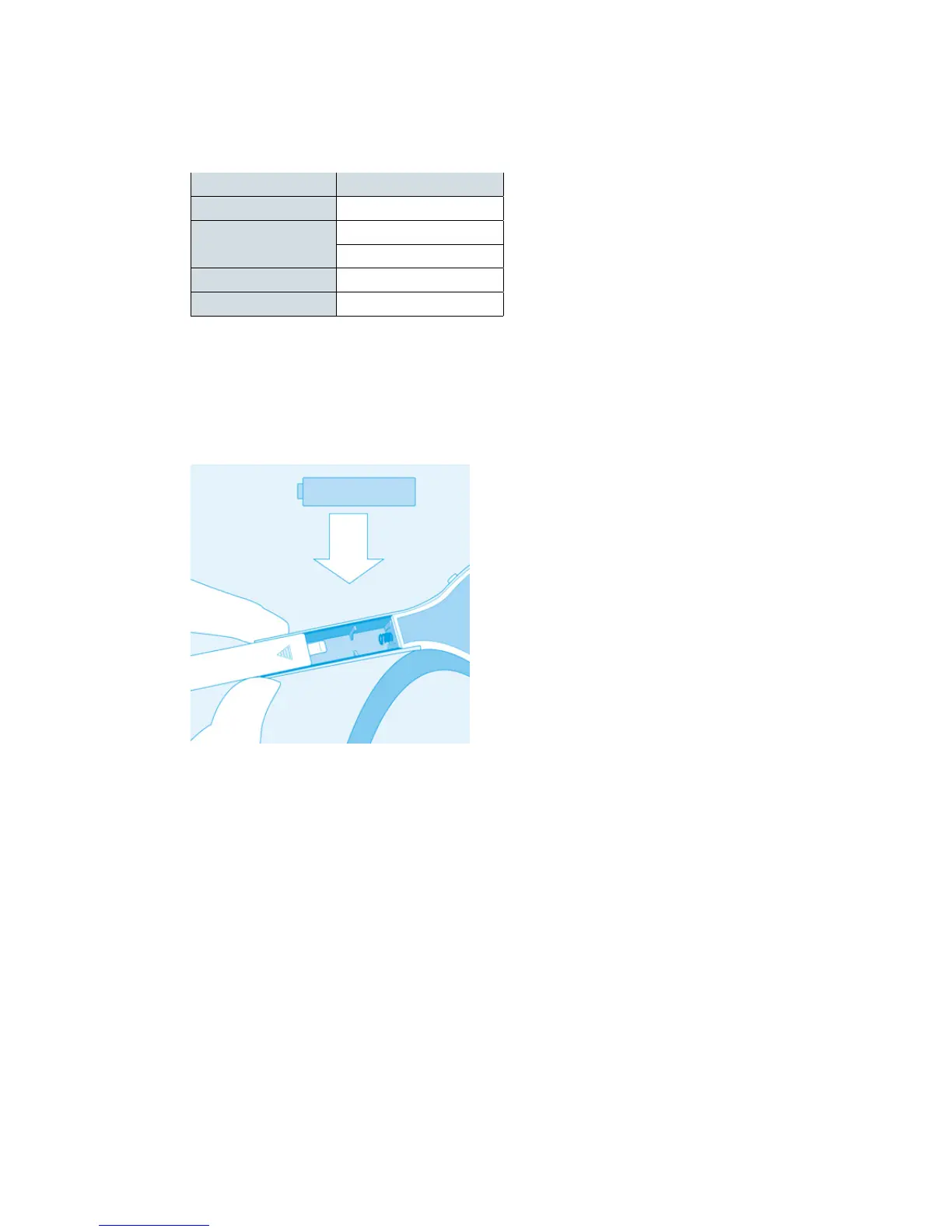
To install or replace the battery, slide open the battery cover. Remove any existing battery within and
replace with a new AAA battery.
Power
To power on the MindWave, slide the switch to the ON position. Power off the MindWave by sliding
the switch to the OFF position.
Minimum System Requirements
September 10, 2010 | © 2009 NeuroSky, Inc. All Rights Reserved.
9



 To Next Page