Slide the boot onto the cable.
Insert wires into the terminals and solder
them.
Position the sleeve over the cables.
Slide insert into the housing until it snaps
in.
Position the cable.
Slide the chuck into the housing.
Prepare cable as shown.
Align insert with housing.
Pay attention to position chuck as shown.
A
B
C
E
F
D
A
B
C
E
18
4
G
ASSEMBLY INSTRUCTION
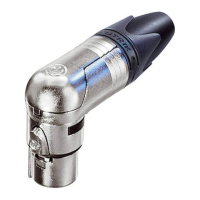
NC*FRX & NC*MRX XLR Cable Connector
|
Page 1
D
0
4
5
°
90
°
-45°
-
9
0°
-1
45
°
0
4
5
°
90
°
-45°
-
9
0°
F
G
R

 Need help?
 General


 To Next Page