11
In-Game Stats
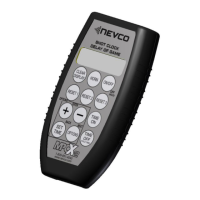
In-Game Stats are entries in the control that can or will display on the scoreboard.
Note: Not all in game stats are available to display on all scoreboards.
Basketball In-Game Stats are HOME and GUESTS:
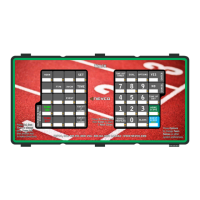
SCORE NEW MINOR NEW MAJOR GOAL SAVES
GOAL SHOTS
Following are descriptions of the In-Game Stats in detail and how to use them.
Depending on the stat’s function there is a possibility of entering game time stats three ways: adding, setting,
and indicating.
Adding – Adding is the usual function for In-Game Stats after the stat key (Score, Goal Saves, Etc) is pressed
the following number key pressed is added to the total. To add more, press the stat key again. For direct entry,
corrections refer to Setting.
Setting – Rather than add to the total stat selected one can directly enter it. This is setting. It is typically used
to directly set the stat selected or correct a previous add.
Indicating – Indicating illuminates an indicator light or designated digits to indicate events within a game. For
example: possession, penalties, shots, and saves. Not all scoreboard models have this function.
Note:
1. The # represents numerical values in the following examples
2. The “+” indicates the MPCW-7 is in add mode. The side the “+” is on is what side is being added to.
3. The “◄” or the “►” indicates the MPC-7 is in set mode. The side the “◄” or the “►” is on is what side is being set.
4. The left or right is relative to the side of the board that value is going to be displayed, not home or guests. This setting can be changed
using the Swap Home&Guests option.
a. Refer to the OPTIONS section of this manual
Example
Press HOME SHOTS and the home possession indicator displays on a 3504 Scoreboard
Example
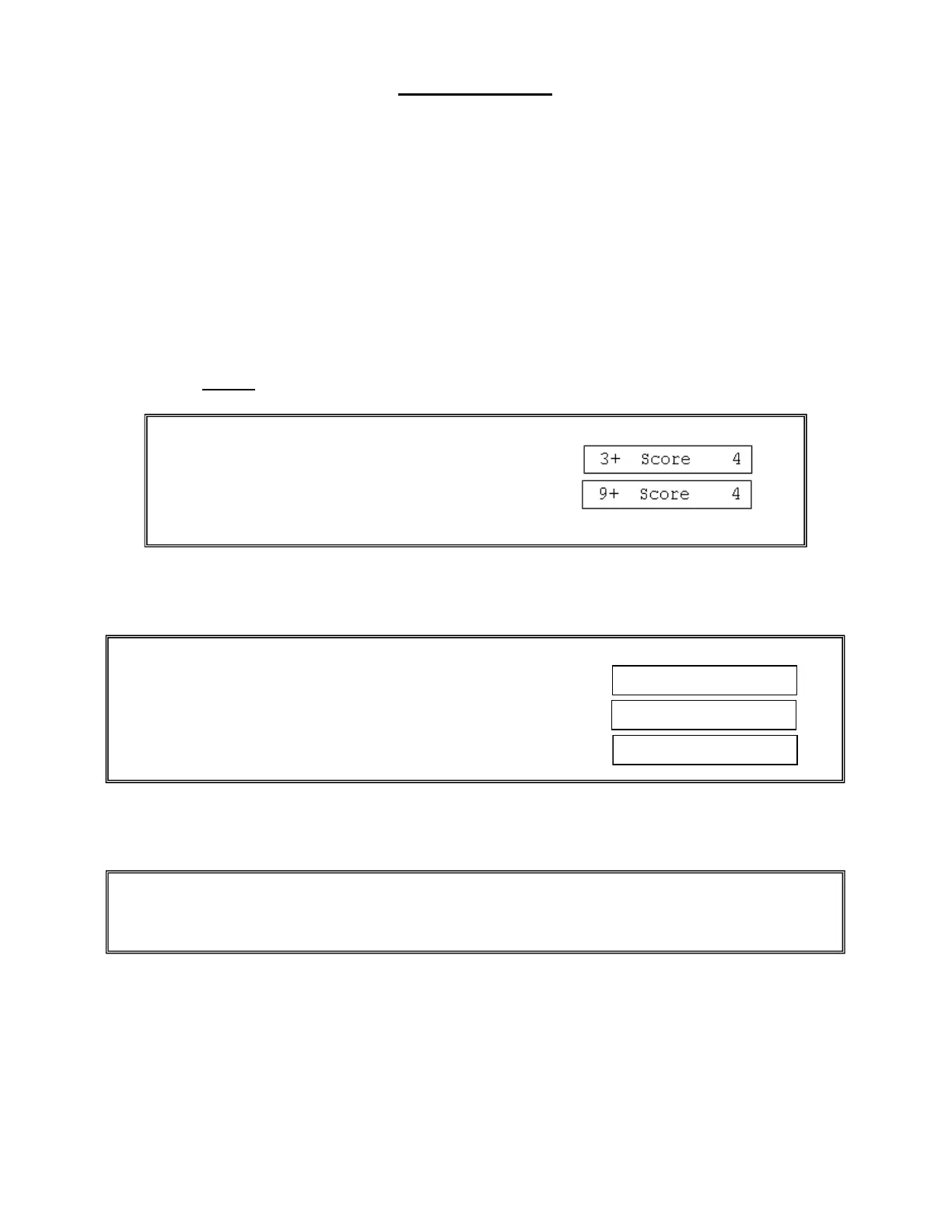
SET then HOME SCORE is pressed and the screen displays:
1 then 2 are pressed the result is:
Or 1 then YES/CONFIRM is pressed. The result is:
Example
HOME SCORE is pressed and the screen displays:
6 is pressed the result is:



 To Next Page