12
SCORE
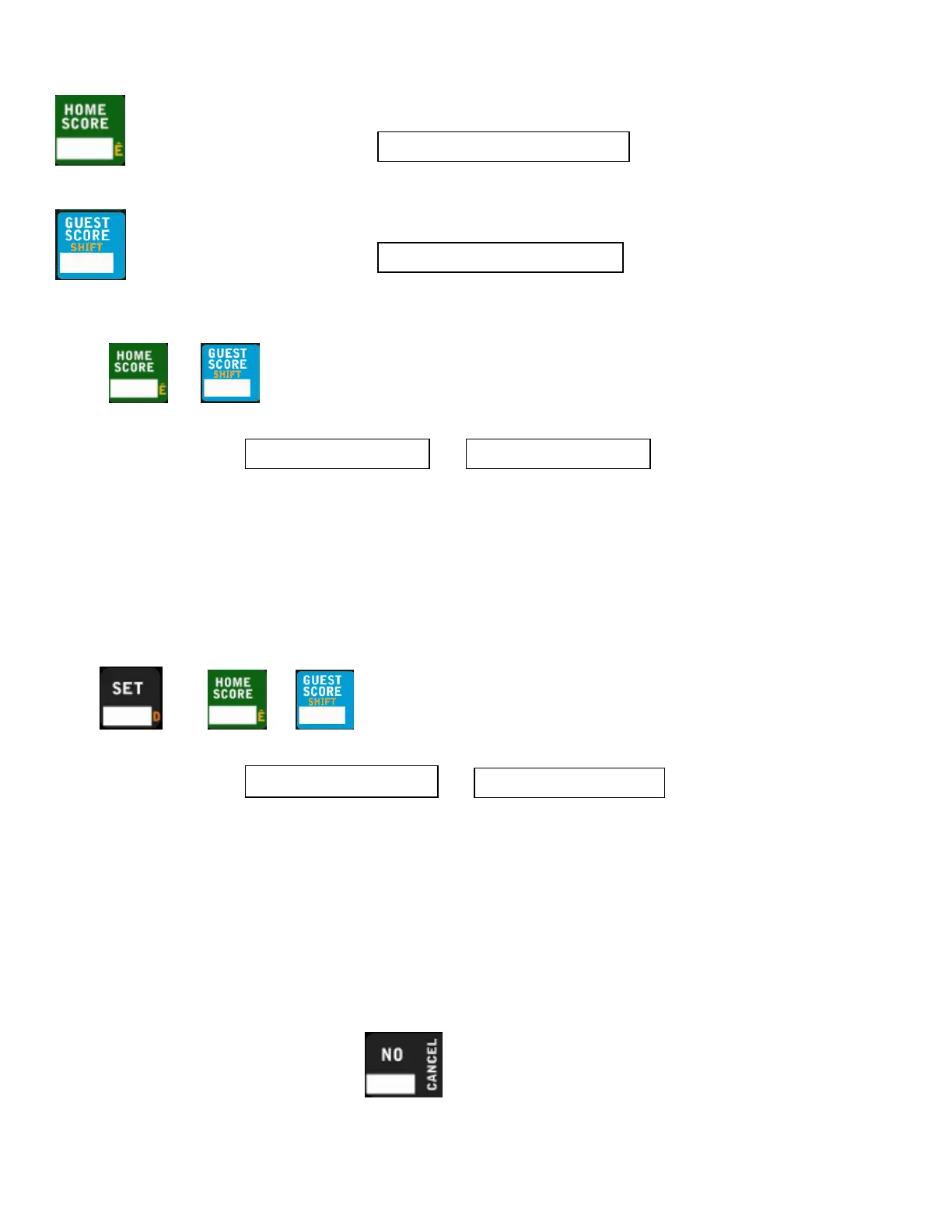
Press HOME SCORE to enter the home score ADD mode
.
The control will display
Press GUEST SCORE to enter the guest score ADD mode.
The control will display
Adding to Score
1. Press or
2. The control will display or
3. Enter any value 0-9 and it will add that value to the value with the “+”.
a. To add more start from step 1
Note:
1. You cannot subtract from the value. To correct a mistake refer to Setting Score
2. The goal light will automatically light up when home or guest score is entered
Setting Score
1. Press then or
2. The control will display or
3. 1
st
digit: Enter any value 0-9
a. If that single digit value is the desired setting, then press YES, if not continue to step 4
4. 2
nd
digit: Enter any value 0-9
5. 3
rd
digit: Enter any value 0-9
Note:
1. A zero in the 10’s spot will automatically be removed and leave a single digit value.
At any time before the 1’s digit is placed can be pressed to restore the previous value and cancel the
function.
## Score
►
##
##
◄
Score ##
## Score +##
##+ Score ##
## Score +##
##+ Score ##



 To Previous Page