2
Wireless
• The MPCW-7 can operate one or more selectable wireless receivers depending on the customer’s need.
• The receivers can be linked or unlinked depending on the operational requirements at game time.
It is strongly recommended to save wireless settings in each profile used.
Different wireless settings should be saved to different profiles.
Note: The receiver desired to be linked has to be programmed into the MPCW-7.
To do this follow the instructions in the OPTIONS section of this manual.
Wireless will be further explained in the OPTIONS portion of this manual
To Link or Unlink receivers:
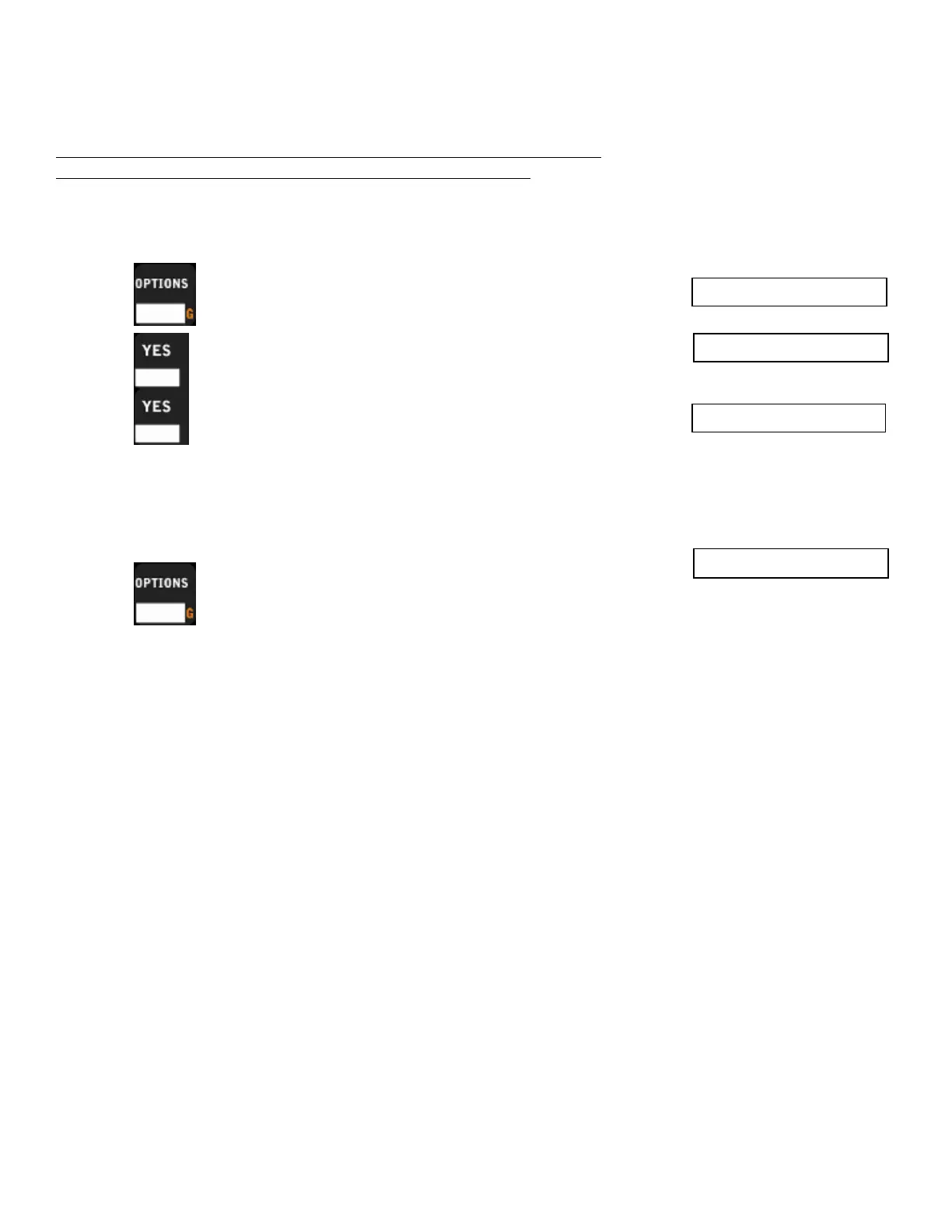
1. Press until the MPCW-7 displays.
2. Press MPCW-7 will display.
3. Press MPCW-7 should display the first receiver in the list.
Press YES again to link or unlink that receiver. The “*” displayed on the
control next to the receiver name means the receiver is linked.
4. To link another receiver:
Press to cycle through available receivers.
Press YES to link that receiver.
Wireless >>
Link Receiver
Rec Name 2



 To Next Page