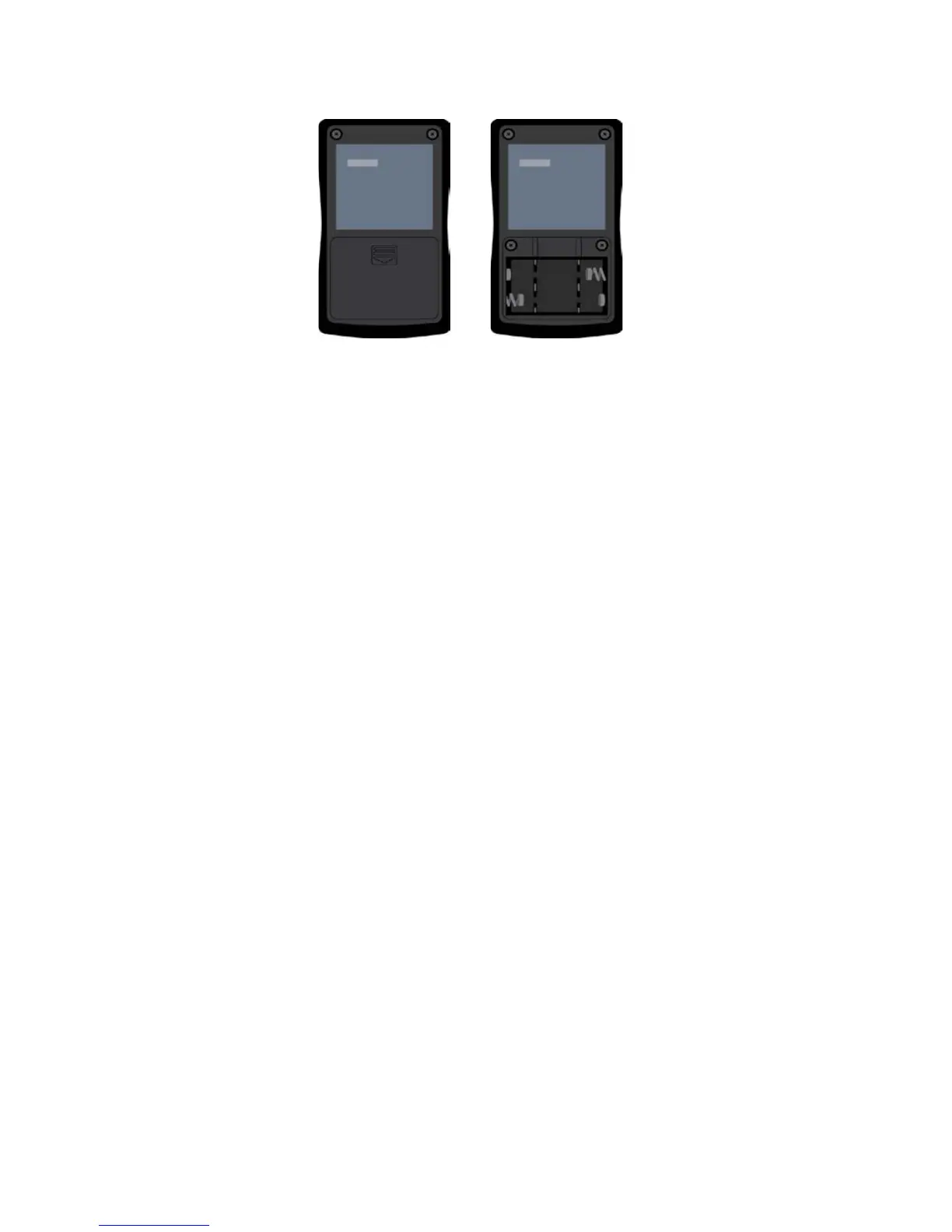
6. Replace the cover; the battery compartment should always be covered.
The Remote Control
How to Turn on the Remote Control
Most of the time, your Remote Control will be OFF to help save battery life. The
Remote Control needs to be turned ON in order for it to communicate with the Trial
Stimulator.
1. Press the small yellow ON/OFF Button on the upper left-hand corner of the
Remote Control.
2. Hold it down for up to five seconds.
o If the Remote Control turns on, you will hear a long beep.
o Lights will flash as the Remote Control tries to establish
communication with the Trial Stimulator.
If communication with the Trial Stimulator is established, the
lights stop flashing
If communication with the Trial Stimulator cannot be
established, the Remote Control will beep three times and
turn itself OFF
If the Remote Control cannot communicate with the Trial Stimulator, make sure the
Trial Stimulator is close to the Remote Control. You may need to move the Remote
Control closer to the Trial Stimulator. If this does not work, check the batteries in the
Trial Stimulator—if the Trial Stimulator needs new batteries, it will not be able to
communicate with the Remote Control.
The Remote Control is also battery powered. When the batteries get low, the Remote
Control will beep six times when it is turned ON. When this occurs, change the
batteries.
Patient Manual 11052 Rev A (2015-01-16) 25



 To Next Page