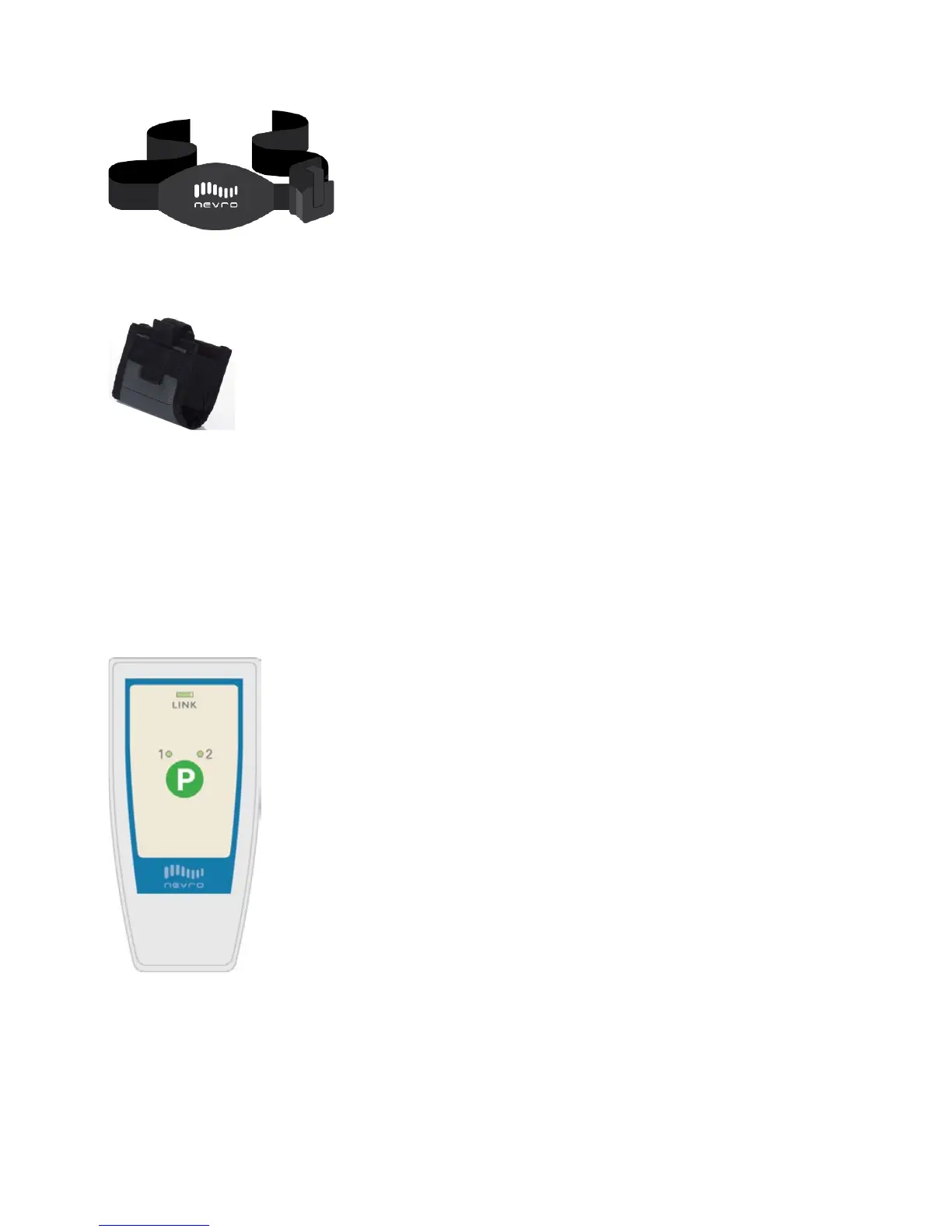
CHARGING BELT
CHARGER HOLSTER
RC2000 Remote Control Instructions
Some people will receive the RC2000 Remote Control unit. If you have this Remote
Control, follow these instructions.
How to Turn ON the RC2000
1. Press the Program (P) button and hold for about two seconds.
2. When you release the Program button, you will hear a long beep. This means
that the command has been received.
Program 2.
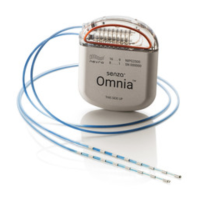
The large round green button marked P is the Program
button.
At the top, there is an indicator light above the word LINK.
Patient Manual 11052 Rev A (2015-01-16) 50



 To Next Page