User Manual
2.7 Access mode
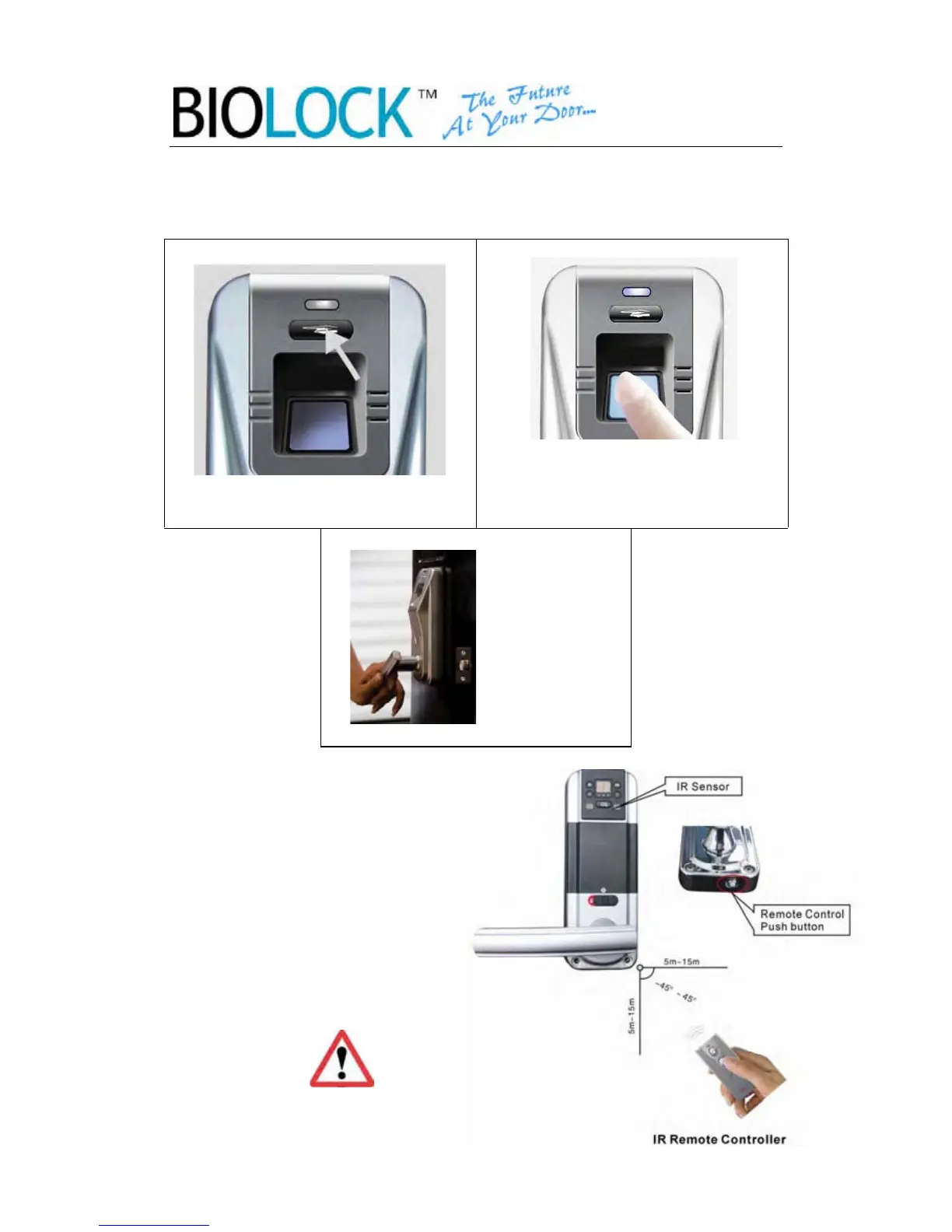
2.7.1 Unlock by fingerprint
1. Press the start button.
-12-
2.Place the finger who is recorded,
then there will be a beep and the door
will unlock.
Unlock the door from inside from any
directions within the range Press the
push button on the back lock body.
2.7.2 Unlock by indoor remote control
3.Turn the
Handle and
open the door
To ensure prolonged battery
life, please be sure to turn o
the remote control push
button when not in use.


 To Next Page