13-May-13 Phone: 1.800.325.7867 Fax: 1.636.925.0029 www.newcocoffee.com
10
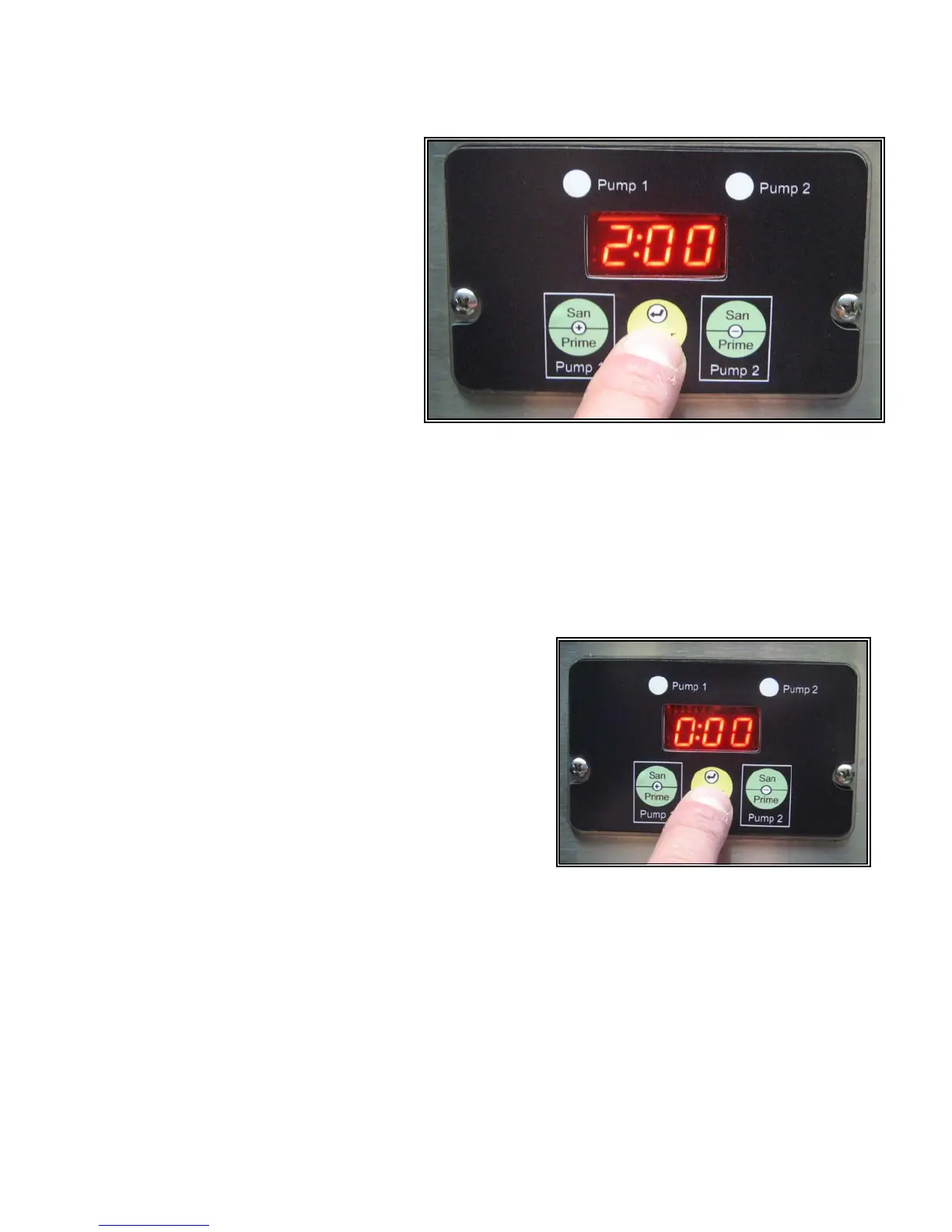
• Press, “Enter” to save and proceed
to set Pump 2. The number “2” and
current pump speed setting for
Pump 2 will appear on the display.
As shown in figure 13.
• Using the + or – button to scroll, set Pump 2 speed for the desired ratio using chart A above as
a guide. (If blending two products, use chart B as a guide.) Refer to figure 12.
• NOTE: (FOR LCD-2 Dual Only) Press “Enter” to save. “HOt” or “CLd” will appear on the
display. This entry chooses whether the selected button will use ambient temperature water
(“CLd”) from the water supply line or hot water (“HOt”) from the tank for dispensing. Use the +
or – button toggle between “HOt” or “CLd.”
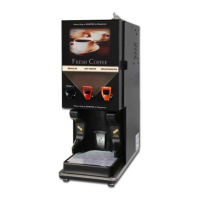
• Press “Enter” to save and proceed with the set-up
program. A time value (min: sec) will appear in the
display. If the switch that you are programming has
been set in a portion control mode, the value will
represent the current dispense time for the switch.
If the switch is in a continuous flow (push and hold)
mode, the time value will be 0:00 Shown in figure
14. To set portion control, in this mode, use the +
and – keys to enter the time of dispensing.
• Press “Enter” to save and proceed to the next set-
up programming option. SEL will appear on the
display.
• Continue with switch programming by repeating steps 1 thru 7.
• When switch programming is completed, continue to press and release the “Enter” button until
the display returns to 3 dashed lines. The machine will be in a normal operating mode.
Fig 13
Fig 14
Fig 14



 To Next Page