13-May-13 Phone: 1.800.325.7867 Fax: 1.636.925.0029 www.newcocoffee.com
4
Section 2
Set-Up Programming Instructions:
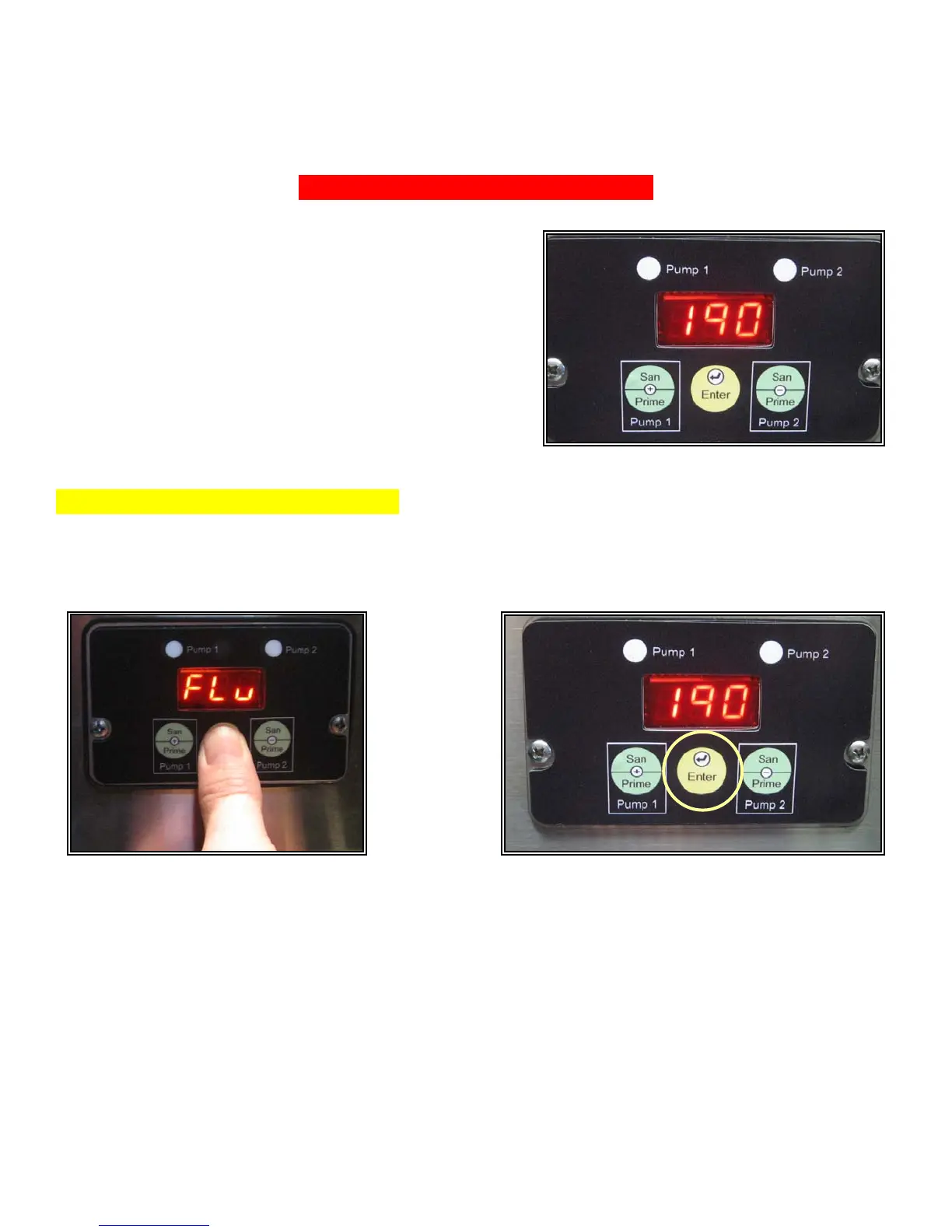
Open machine cabinet door and locate the 3-switch
control panel w/lighted display screen. The temperature
will show on the display screen. As shown in figure 1.
Step 1. Enter a Programming Mode
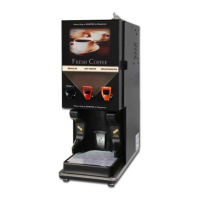
Press and hold the center switch labeled “Enter”. After five seconds, the display will flash “Flu”
approximately 13 times. Continue to hold in the switch and the temperature will appear. (Release the
switch when temp. appears on the display.) As shown in figures 2 & 2A.
Fig. 2A Fig. 2
Fig. 1



 To Next Page