11
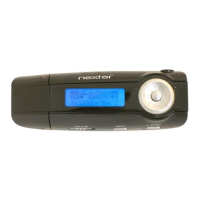
(3)Turn the Right Eye right and left to select
“Repeat Mode”and then press the “M”button
to confirm.
(4)Turn the Right Eye right and left to select a
mode and then press the “M”button to
confirm.
Note:
Normal –Play all tracks in order and stop after
playing all
Repeat One –Keep repeating the current
track
Repeat All –Play all tracks in order and repeat
Folder –Play all files in the current folder and
stop after playing all



 To Next Page