14
Note: WOW, SRS and symbol are trademarks of SRS Labs, Inc.
WOW technology is incorporated under license from SRS labs, Inc.
Voice Recording
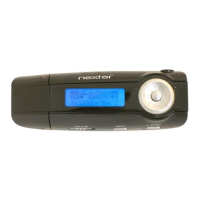
(1)Press and hold the “M”button to display the main menu.
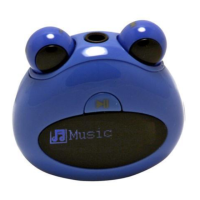
(2)Turn the Right Eye left and right to select “Record”,and press the “M”
button to enter the recorder mode.
(3)Press the button to start recording. During recording, you can
press the button to pause or resume recording.
(4)Press the “M”button to stop and save the recording.
(5)To play the recording, press and hold the “M”to display the main
menu.
(6)Turn the Right Eye left and right to select “Explorer”and press the “M”
button to confirm.


 To Next Page