13
mode, repeat mode etc. To hide the
information, press the “M”button again.
The player provides SRS and WOW surround sound effect to enhance
your enjoyment. It was already set to the best level by the system. There
is no need of adjusting. Just follow these steps to use it.
(1)Press button to pause.
(2)Shortly press the “M”button to display the submenu.
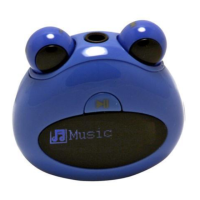
(3)Turn the Right Eye right and left to select “Preset EQ”and then press
the “M”button to confirm.
(4)Turn the Right Eye right and left to select “SRS WOW”and then press
the “M”button to confirm.


 To Next Page