18
System
Information
Check system version or memory information.
Format Format the device
Troubleshooting
1. The LCD displays nothing when the device is started.
Possible Cause: Battery is too low.
Solution: Charge the battery.
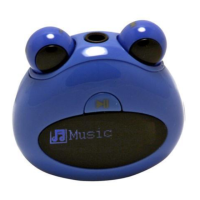
2. The eyes do not light.
Possible Cause: The light is turned off.
Solution: Check the setting “LED light”and set it as “On”.
3. No sound when playing an audio file.
Possible Cause: The volume is too low. The audio file is bad.
Solution: Adjust the volume. Delete or skip the file.
4. The player cannot be connected to the PC.


 To Next Page