5
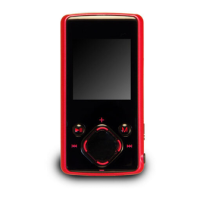
Keys Description
①Earphone Jack
②Reset button
③Left Eye / V- / V+
Turn left and right to decrease or increase the
volume
④Right Eye / / Turn left and right to
play the previous or next track
⑤PLAY/PAUSE: Press to play, pause or
escape.
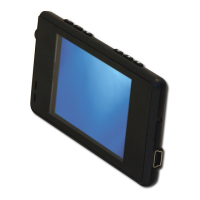
⑥LCD Display
⑦MENU: Briefly press to confirm. Press and
hold to enter the main menu.
⑧USB Port
⑨Mic: Recording



 To Next Page