45
Tap on a file to select and press 'Done/Confirm' to start the download or press Cancel/Back to cancel
the action.
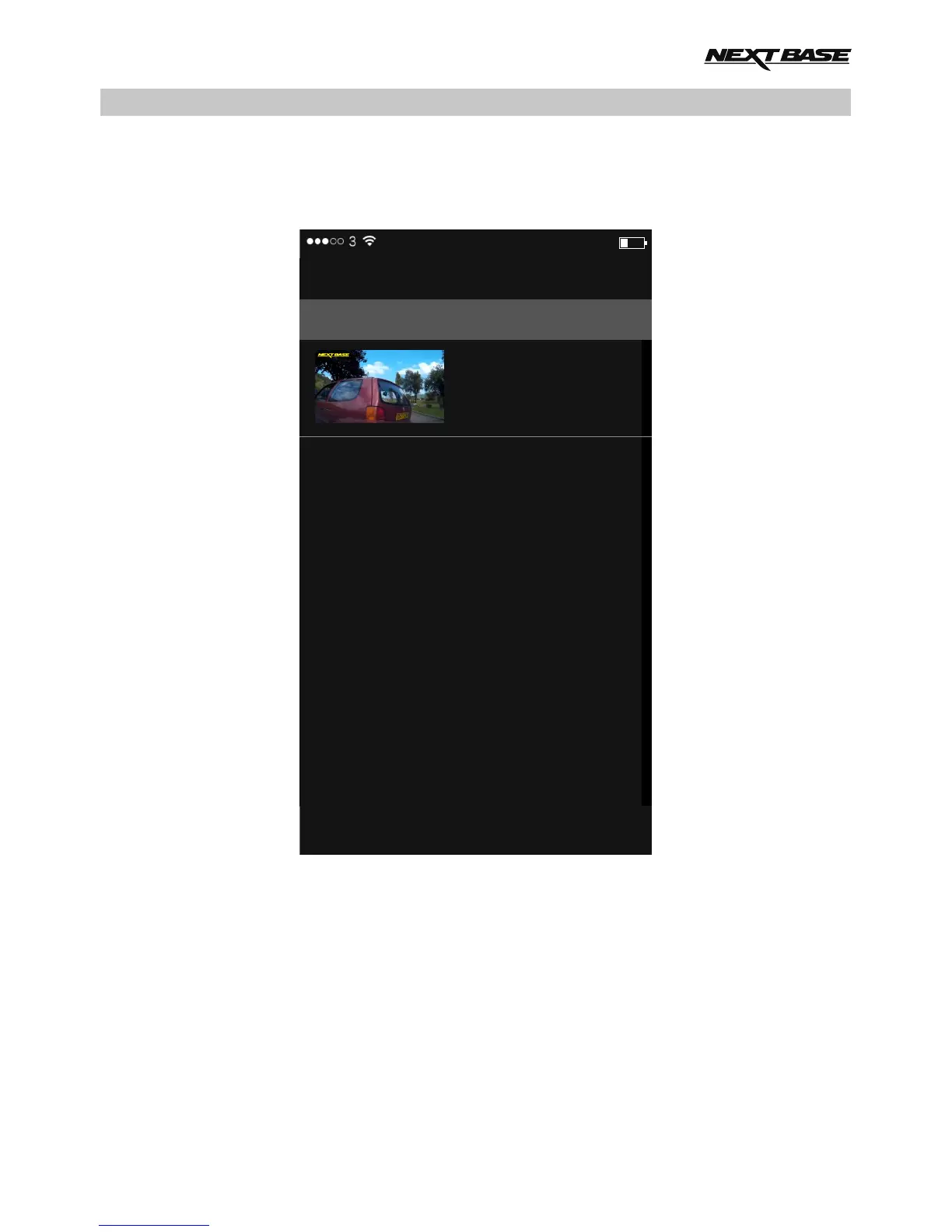
Once an upload has started the 'Upload History' screen will open, as shown below.
The upload progress can be seen in the white text during the upload process.
12:57 24%
Local Files
<
Upload History
Currently uploading 1 file.
2016_0323-100117..
63 KB of 214.7 MB
WIFI APPLICATION FOR SMARTPHONES & TABLETS (CONTD.)



 To Next Page