•
Video size: 1080P (1920 x1080, 30fps), 720P (1080 x 720, 30 fps), WVGA (848 x 480, 30 fps),
VGA (640 x 480, 30 fps)
Select the required video resolution.
A higher resolution produces higher quality videos but results in larger les requiring more space on
the memory card. Videos are recorded in AVI format which can be played back on most video equipment.
6.3.
Settings
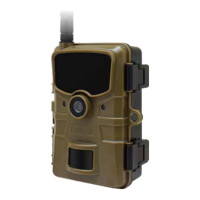
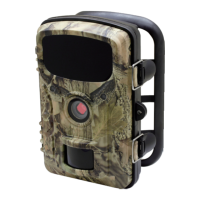
Prior to using the Wildlife Camera, change the settings as required.
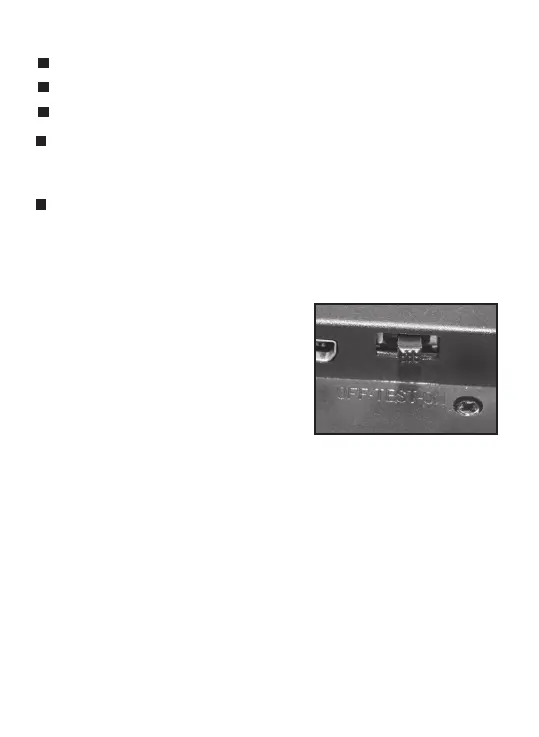
Slide the mode switch of the Wildlife Camera to the TEST
position to start
the test mode. In the Photo or Video
mode press the MENU button to call up the menu.
All menu options of the Wildlife Camera and possible
setting values for the recording mode are listed below.
The standard setting is always highlighted in
bold.
•
Mode: Camera, Video, Camera + Video
Select whether photos or videos should be taken when motion is detected. When in the "Camera +
Video" mode, the camera rst takes a set number of photos prior to recording a video.
•
Photo size: 16M, 12M, 8M,
5M
, 3M,1M
Select the desired resolution for photos.
A higher resolution produces a somewhat better photo quality but results in larger les requiring more
space on the memory card.
OK : Open selected options or accept selected settings.
SHOT, REPLAY: No function (in replay mode).
Conrm each change to a setting by pressing
OK
. If the change is not conrmed by pressing the OK
button, the new settings are lost when leaving the menu.
: Move down one menu point or decrease value by 1.
: Enlarge displayed photos in increments (up to 16x).
: Decrease enlarged photos in increments.
15


 To Next Page