JAN 2024 Page | 18
A. If your organization already has an account, contact your organization’s administrator to
create a user account.
B. If your organization does not yet have an account, contact support@nextivityinc.com
to
create an administrative account for your organization.
C. To create the first administrative account for your organization, you’ll need to provide the
following information:
- Organization Name
- Your Name
- Phone Number
- Email
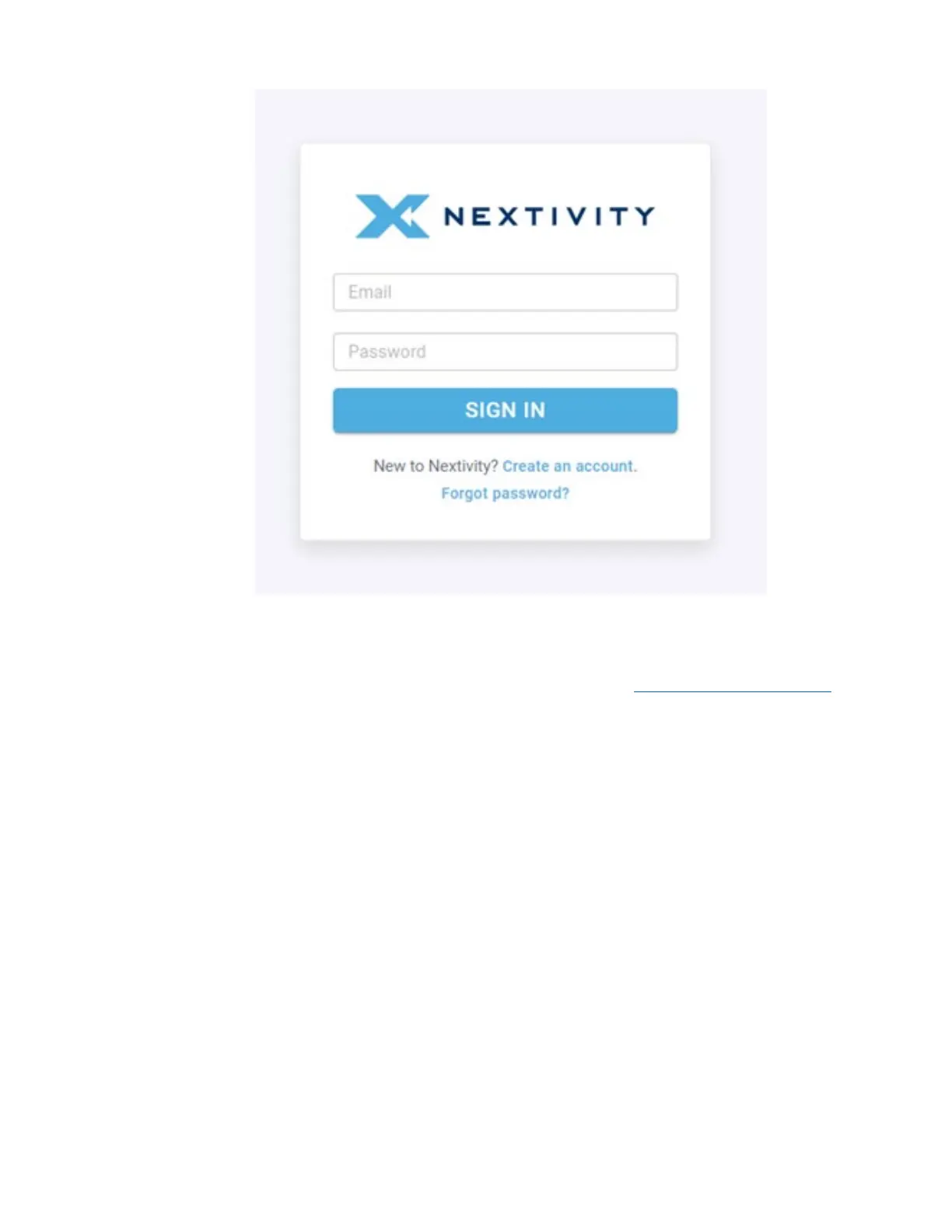
D. If you already have an account, enter the email and the password for your account and
click Sign In. If MFA has been enabled on your account, enter the MFA code sent to you to
complete the log in process.
Note: For further information regarding MegaPortal for MegaFi, please refer to the MegaPortal Guide.



 To Next Page