JAN 2024 Page | 17
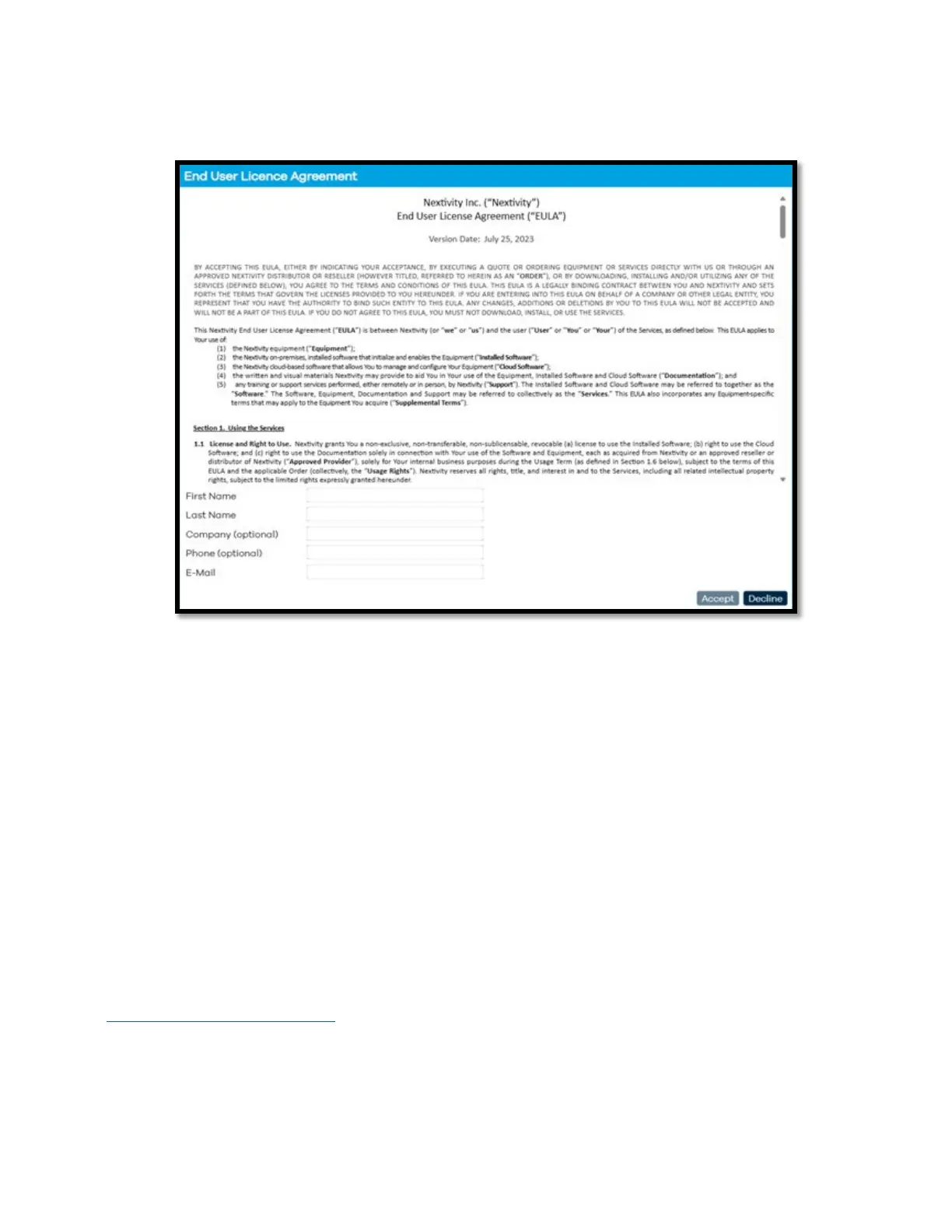
6) When logging in for the first time, the EULA (End User License Agreement) will be displayed.
A. Fill out the requested information and click ‘Accept’ to continue.
7) You will then be directed to update your password. Please update the password and click Apply
and Save.
Note: A factory reset restores the original default password. The password is only available from the
printed label and label QR code.
Note: For further information regarding monitoring and configuration settings in Mission Control for
MegaFi, please refer to the MegaFi Software Guide.
4. Cloud Access via the Nextivity MegaPortal
Once the MegaFi has been setup, installed, and pre-configured to minimum requirements, it is time to
register and connect the device to the Nextivity Cloud Portal also known as MegaPortal.
4.1 Create Account and Sign In
1) To enable cloud management, open your computer browser window and enter
https://mega.nextivityinc.com
.
2) The MegaPortal sign-in dialog box will appear after bypassing the warning messages.



 To Next Page