COMPASS English
5-25
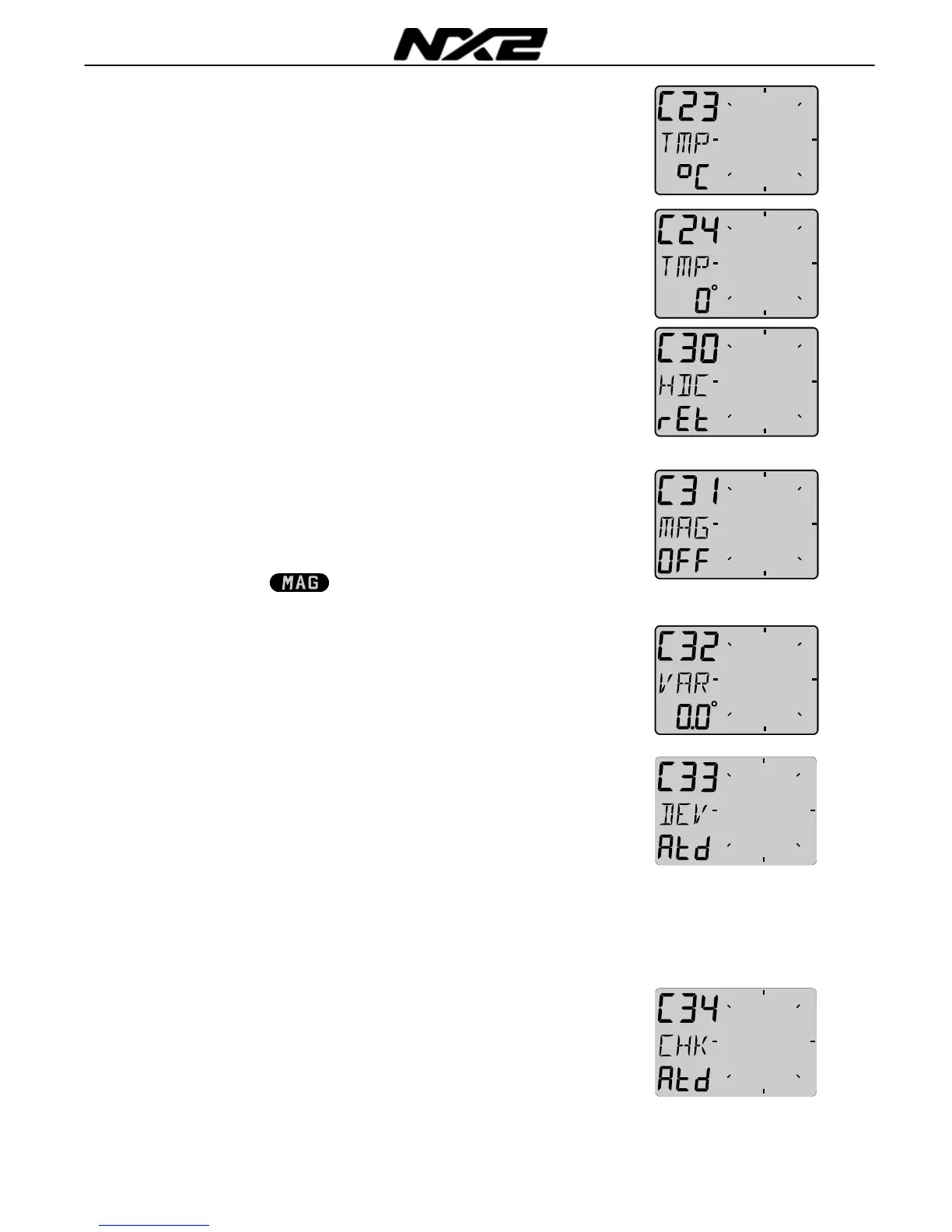
5.2.3 C23 Unit for temperature
Select degree Celsius [C] or degree Fahrenheit [F].
5.2.4 C24 Temperature offset
By adding a positive or [-] negative value here, it will be added as
an offset before displayed as the temperature.
5.3 C30 Compass Settings
To return to normal mode, press SET when the text [rET] is
displayed.
5.3.1 C31 True or magnetic course, MAG
This function will display bearing, course and Wind direction as true
or magnetic. Select [On] to display all as magnetic, the LCD will
then
indicate:
Select [OFF] to display all as true.
5.3.2 C32 Magnetic deviation, VAR
Set the deviation direction first, i.e. [+E] (East) or [W] (West), then
enter the magnetic value in 1/10 of a degree.
5.3.3 C33 Autodeviation
This function is used to autodeviate your Compass. Take the boat
into a turn, in calm sea, when steady, press SET to start.
The text [DEV] starts flashing and a LCD sector will show you the
course where to end. When you have taken the boat through the
minimum 360° turn, press SET again, and if successful, the text
[DEV Atd] will appear again. If you read ERR 17, the Compass
magnetic variation have been too small. That is, if you either
interrupted the deviation too soon by pressing SET before done, or
if the Compass is affected by strong magnetic distortion.
5.3.4 C34 Check the Autodeviation
This function is used to check your Autodeviation. Make a new
Autodeviation in calm sea (during the evening) as described in
5.3.3, and you may (or not) take the boat the opposite direction as
when Autodeviated.



 To Next Page