English COMPASS
5-26
The text [CHK] starts flashing and a pointer will show you the
course where to end. When you have taken the boat through the
minimum 360°
turn, press SET again, and if successful, the text [CHK Atd] will
appear again, otherwise, ERR 17 or ERR 19 will appear, i.e. the
difference between the last Autodeviation and this Autocheck is to
big to be accepted. Make a new Autocheck, and if you still get ERR
19, make a new Autodeviation since the last one was probably
disturbed.
When the Autocheck is OK, the Compass will store the average
result from both Autodev and Autocheck.
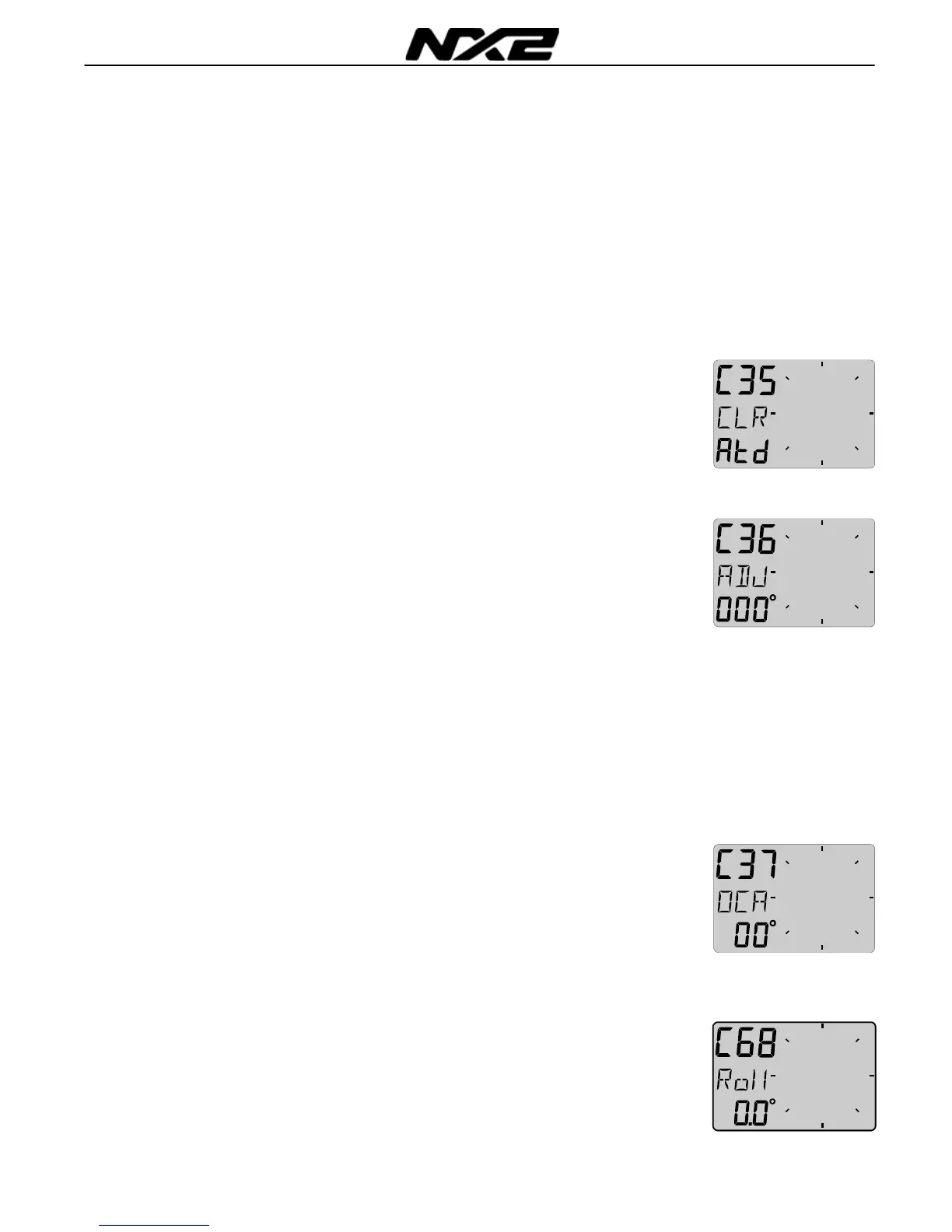
5.3.5 C35 Clear the Autodeviation
If you by any reason prefer to reset the deviation created by the
Autodeviation function, press SET when text [CLR Atd] is
displayed, you are now asked to confirm the flashing text YES by
another press on KEY, or select no by use of PLUS or MINUS
button, then SET.
5.3.6 C36 Adjust the Compass alignment
This function is used when the Compass is giving a constant
course error, i.e. it is not mounted exactly aligned as the boat (there
is no need to mount the transducer at the boats centreline). Make
sure that the local magnetic variation is entered before you make
the alignment adjustment, otherwise you are unable to see the
difference between local magnetic variation and alignment error.
The Compass may be installed reversed 180° , but never at
perpendicular, or 90° relative the centreline.
Press the SET and adjust [ADJ
] the angle by entering the error. If
you want to add 5° enter 005°. If you want to subtract 5° enter 355°
(360- 5).
5.3.7 C37 Off course alarm
This function is used to set a course alarm that will be activated
when the boats average course is more thenset value. The text
[OCA OFF
] is displayed. Press SET to enter the maximum
allowed course error, then press SET again.
This function is filtered for 30s to avoid false alarms such as
when sailing in heavy sea. Set to 00 will turn alarm OFF.
5.3.8 C68 Roll adjustment
This adjustment is valid only if roll is selected in C73 (you have to
exit and enter the calibration again after C73 is set to Roll).
Adjustment of the roll offset. Mount the roll transducer according to
the instructions. Adjust the offset so the roll is displaying 00° when



 To Next Page