4.2 Sweep
4-22 WF1943B
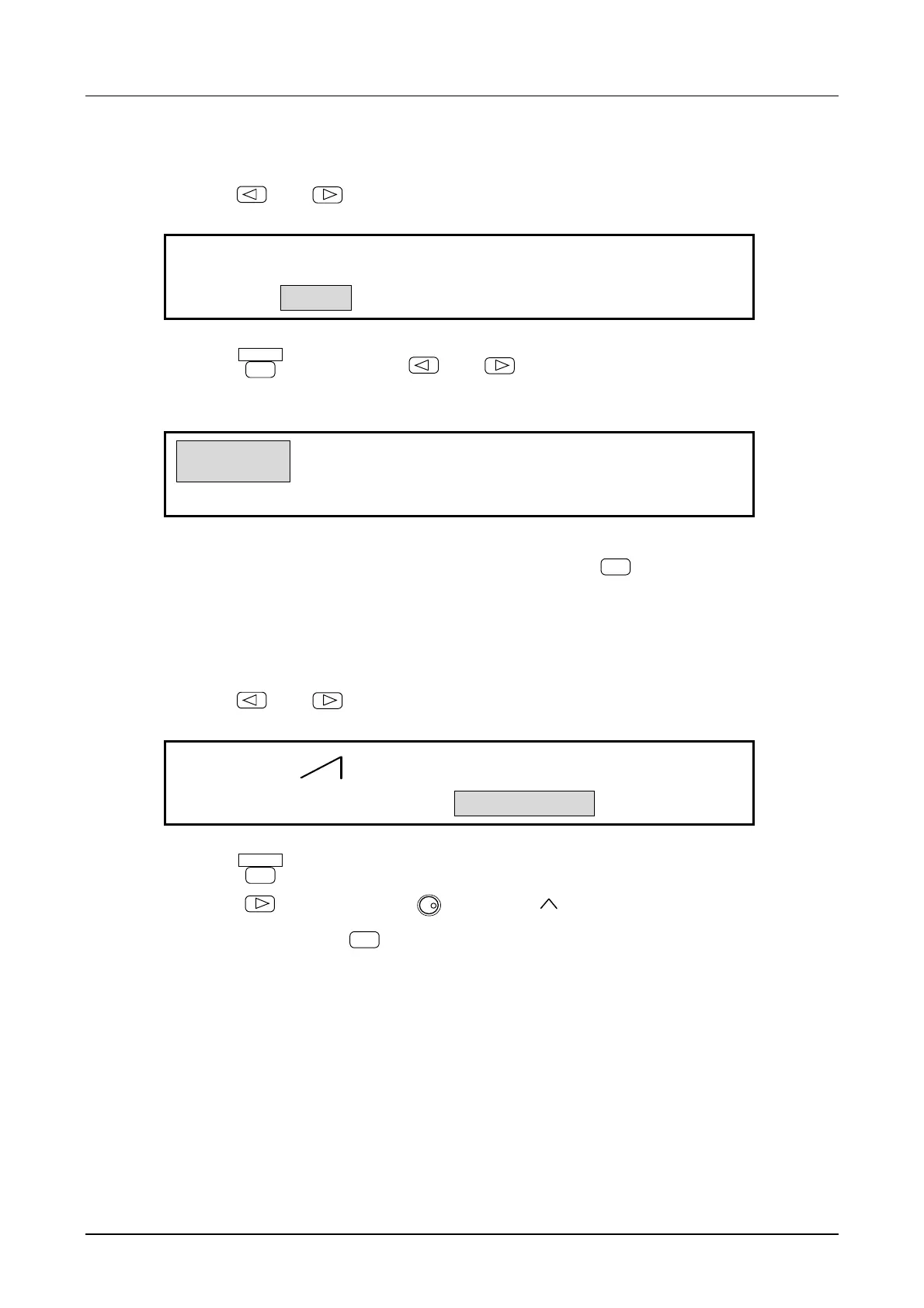
(2) Set sweep TYPE to frequency (FREQ)
① Use the
and
keys to produce the following display (TYPE flashes).
FREQ
PHASE
F-SWP:TYPE MODE FUNCTION START
4
② Press the
ENTER
key, then use the
and
keys to produce the following display
(FREQ flashes).
FREQ
PHASE
F-SWP:TYPE MODE FUNCTION START
4
③ This completes setting the sweep type to frequency. Press the
EXIT
key once to release the
setting mode.
(3) Select the sweep FUNCTION
① Use the
and
keys to produce the following display (FUNCTION flashes).
LIN
F-SWP:TYPE MODE FUNCTION START
4
② Press the
ENTER
key.
③ Press the
key, then turn the
MODIFY
dial to select .
④ After selecting, press the
EXIT
key once to release the function select mode.



 To Next Page