3 F110 – at your service
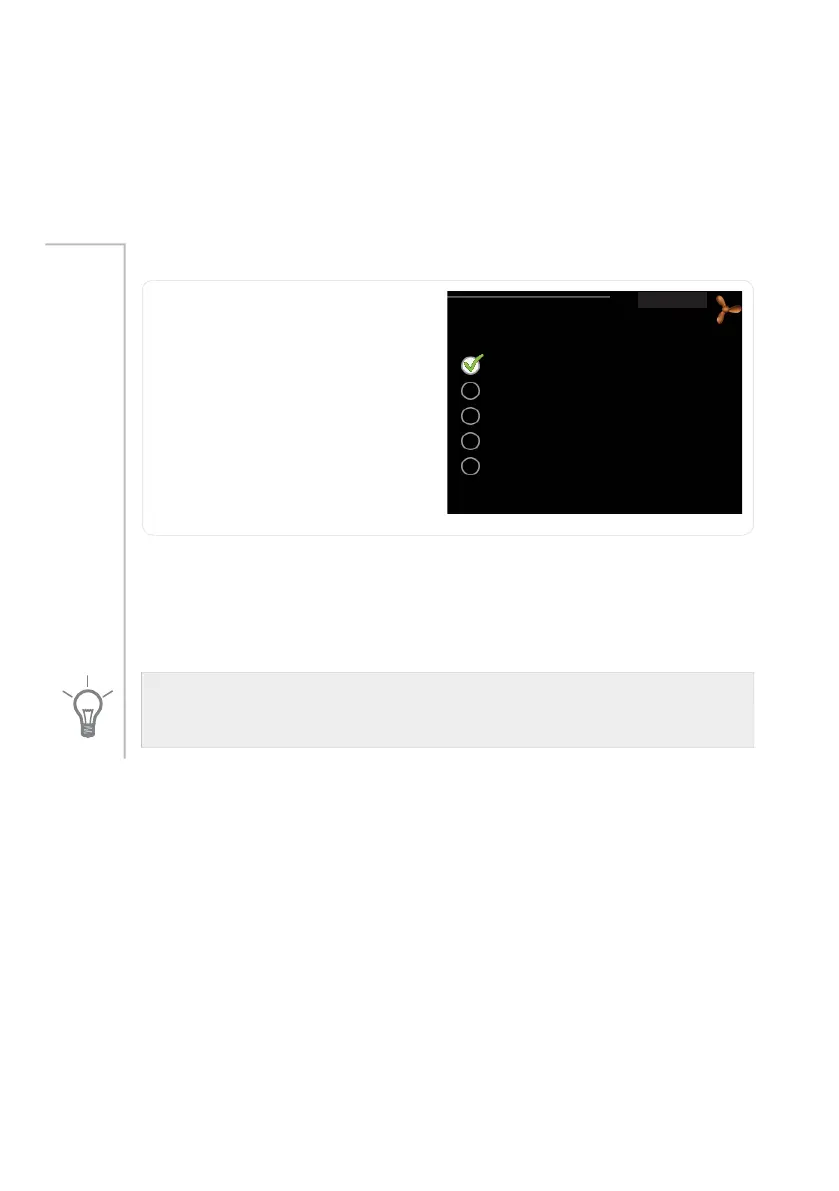
Set the ventilation
ventilation
QRUPDO
YHQWLODWLRQ
IDQ VSHHG
IDQ VSHHG
IDQ VSHHG
IDQ VSHHG
This menu is only shown with ex-
haust air installation.
Setting range: normal and speed
1-4
Default value: normal
Menu 1
The ventilation in the accommodation can be temporarily increased or
reduced here.
When a new speed has been selected a countdown is initiated. After 4
hours the ventilation speed returns to the normal setting.
The fan speed is shown in brackets (in percent) after each speed alternative.
TIP
If longer time changes are required use the holiday function.
NIBE™ F110Chapter 3 | F110 – at your service20



 To Next Page