,1'225 &/,0$7(
+($7 3803 ,1)2
+27 :$7(5
WHPSHUDWXUH
,1'225 &/,0$7(
YHQWLODWLRQ
VFKHGXOLQJ
DGYDQFHG
RII
QRUPDO
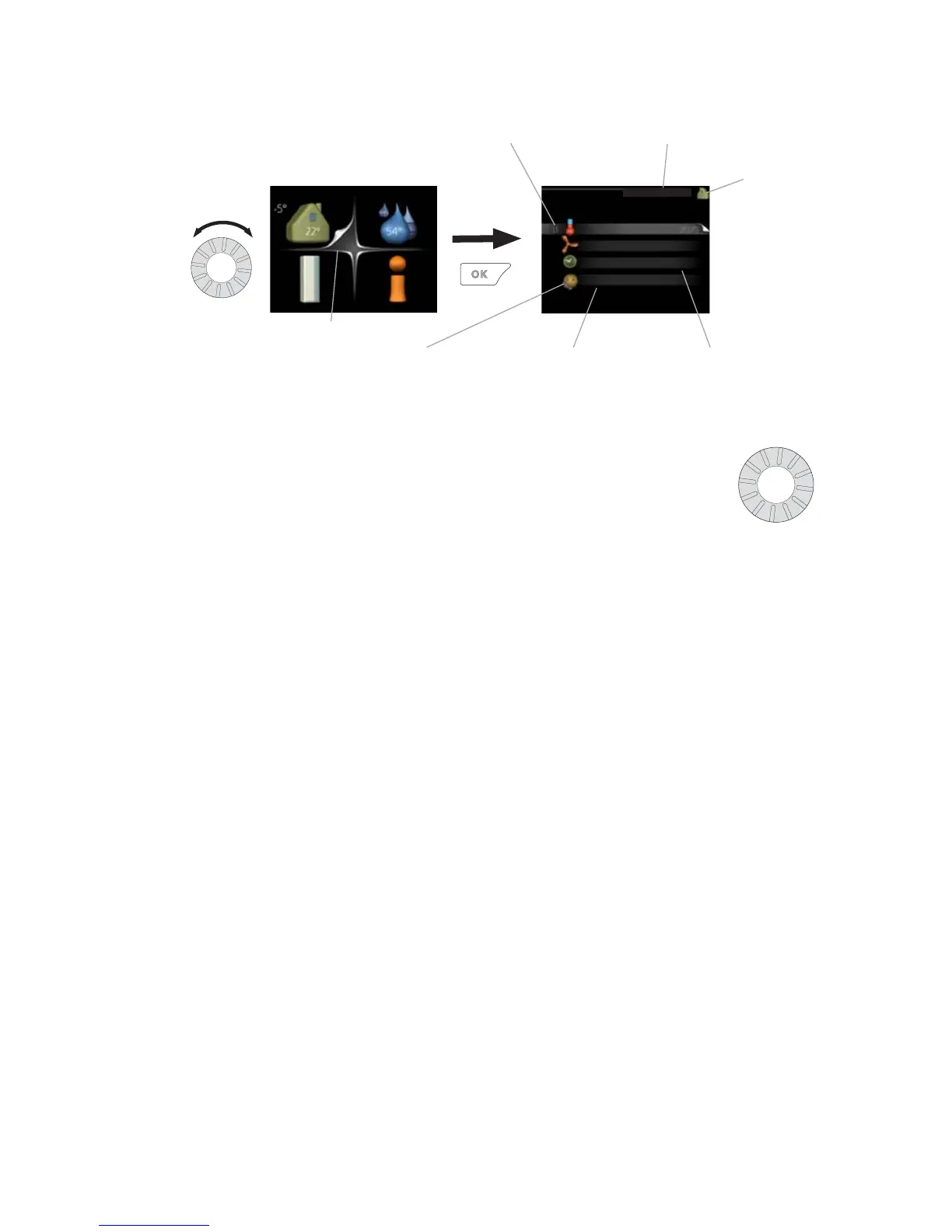
Marked main
menu
Menu number – marked sub menu Name and menu number – main menu
Symbol –
main menu
Status information – sub
menus
Name – sub menusSymbols – sub menus
Operation
To move the cursor, turn the control knob to the left or the right.
The marked position is brighter and/or has a turned up tab.
Selecting menu
To advance in the menu system select a main menu by marking
it and then pressing the OK button. A new window then opens with sub
menus.
Select one of the sub menus by marking it and then pressing the OK button.
15NIBE™ F1255Chapter 2 | The heat pump – the heart of the house



 To Next Page