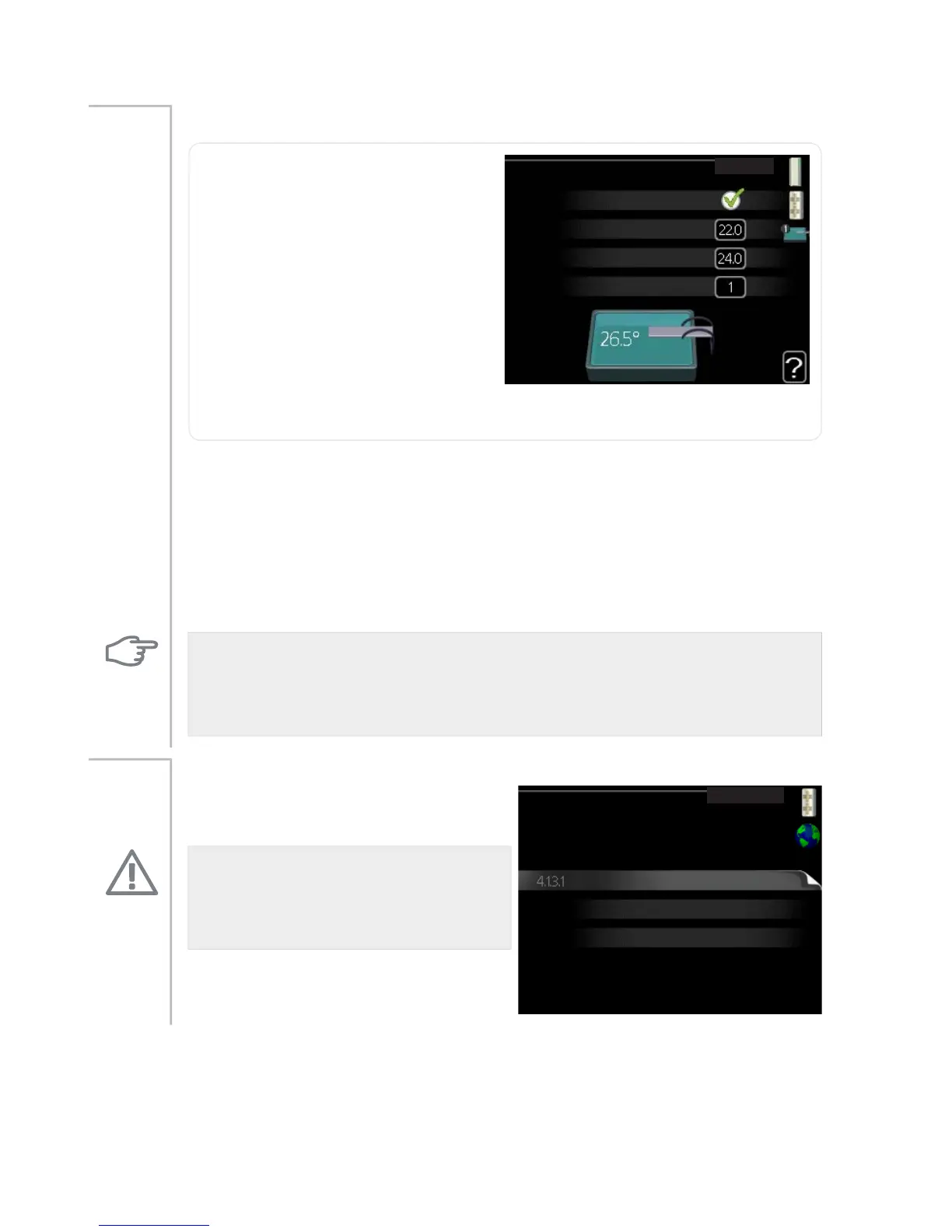
pool (accessory is required)
pool4.1.1
activated
start temp
stop temperature
°C
°C
compressor speed
%
start temp
Setting range: 5.0 - 80.0 °C
Default value: 22.0 °C
stop temperature
Setting range: 5.0 - 80.0 °C
Default value: 24.0 °C
compressor speed
Setting range: 1 – 100 %
Default value: 1
Menu
4.1.1
Select whether the pool control is to be activated and within what temper-
atures (start and stop temperature) pool heating must occur.
Here you can also set at what speed the compressor is to operate during
pool heating. Set value corresponds to part of the available output.
When the pool temperature drops below the set start temperature and
there is no hot water or heating requirement, F1255 starts pool heating.
Untick "activated" to switch off the pool heating.
Caution
The start temperature cannot be set to a value that is higher than the stop
temperature.
internet
nibe uplink
internet4.1.3
tcp/ip settings
proxy settings
Here you make settings for connecting
F1255 to the internet.
Menu
4.1.3
NOTE
For these functions to work the net-
work cable must be connected.
NIBE™ F1255Chapter 3 | F1255 – at your service54



 To Next Page