With low price mode on "SG Ready" the stop temperature of the hot water
is set as high as possible at only compressor operation (immersion heater
not permitted).
With over capacity mode of "SG Ready" the hot water is set to "luxury"
(immersion heater permitted).
affect cooling (accessories required)
Here you set whether room temperature during cooling operation should
be affected when activating "SG Ready".
With low price mode of "SG Ready" and cooling operation the indoor
temperature is not affected.
With over capacity mode of "SG Ready" and cooling operation the parallel
offset for the indoor temperature is reduced by"-1". If a room sensor is
installed and activated, the desired room temperature decreases by 1 °C.
affect pool temperature (accessories required)
Here you set whether pool temperature should be affected when activating
"SG Ready".
With low price mode of "SG Ready" the desired pool temperature (start
and stop temperature) is increased by 1 °C.
With over capacity mode of "SG Ready" the desired pool temperature
(start and stop temperature) is increased by 2 °C.
NOTE
The function must be connected and activated in your F1255.
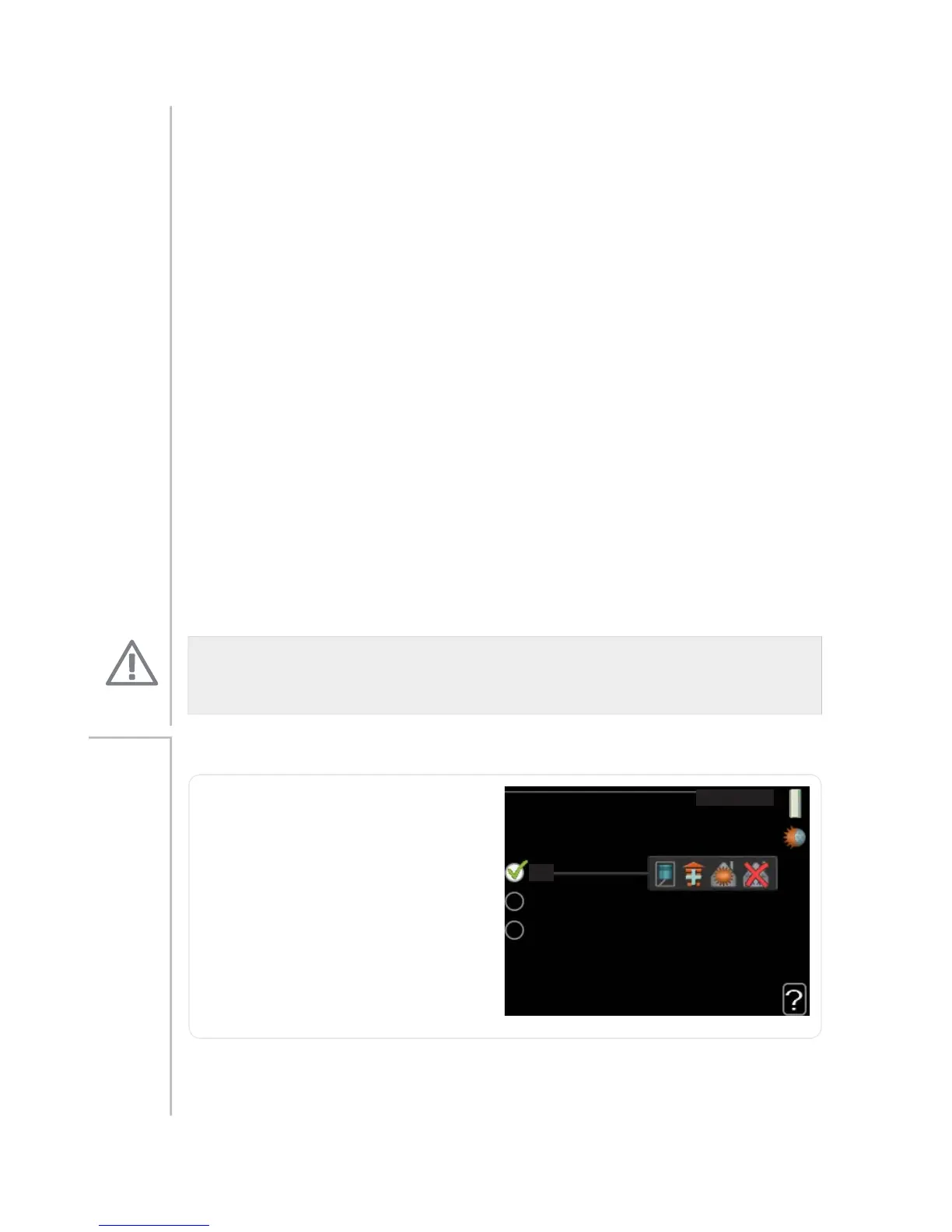
op. mode
RS PRGH
DXWR
PDQXDO
DGG KHDW RQO\
op. mode
Setting range: auto, manual, add.
heat only
Default value: auto
functions
Setting range: compressor, addi-
tion, heating, cooling
Menu
4.2
The heat pump operating mode is usually set to "auto". It is also possible
to set the heat pump to "add. heat only", but only when an addition is
used, or "manual" and select yourself what functions are to be permitted.
NIBE™ F1255Chapter 3 | F1255 – at your service58



 To Next Page