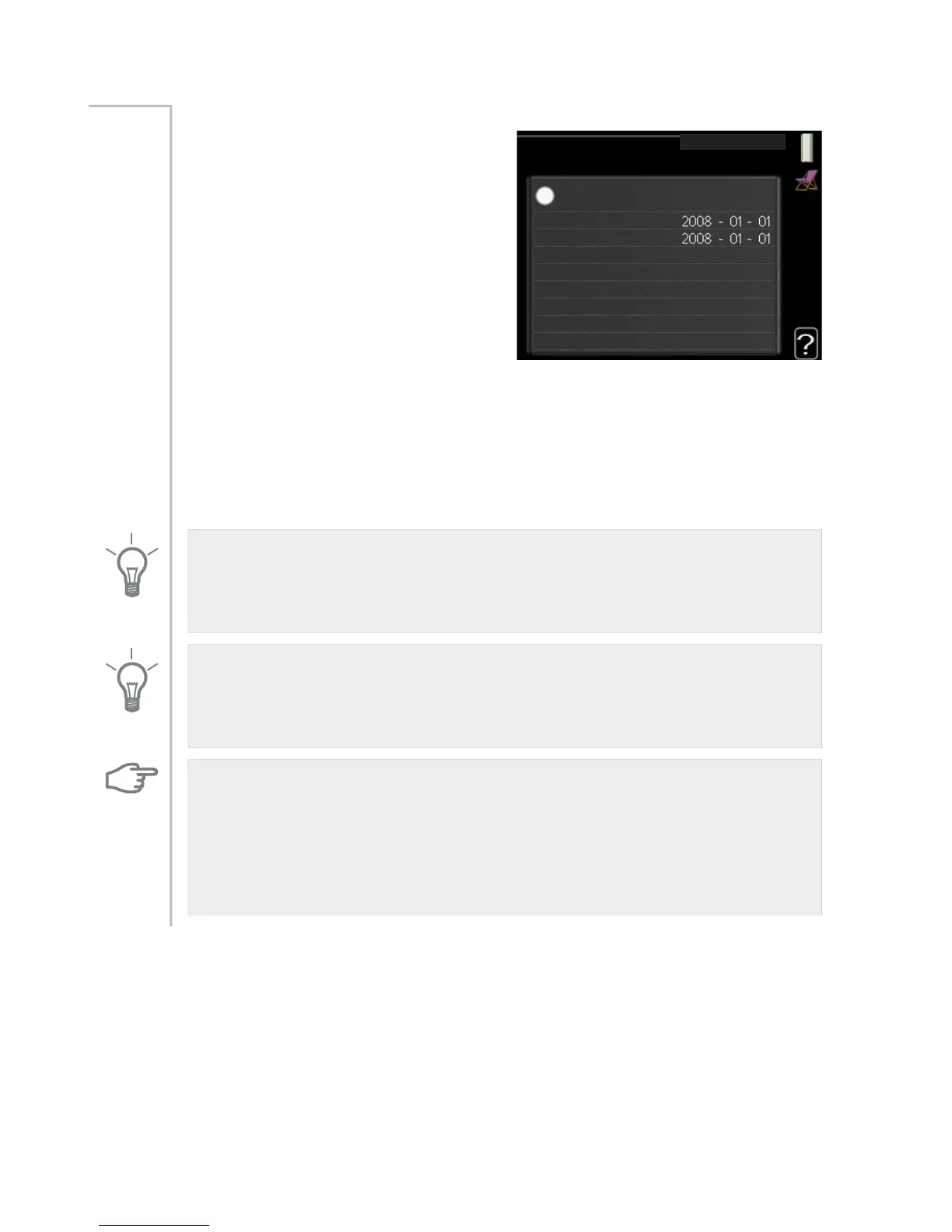
holiday setting
KROLGD\ VHWWLQJ
DFWLYDWHG
VWDUW GDWH
VWRS GDWH
KHDWLQJ
GHVLUHG URRP WHPSHUDWXUH
KRW ZDWHU FRPIRUW
FRROLQJ
YHQWLODWLRQ
HFRQRP\
RII
QRUPDO
r
RII
SRRO
To reduce energy consumption during
a holiday you can schedule a reduc-
tion in heating and hot water temper-
ature. Cooling, ventilation and pool
can also be scheduled if the functions
are connected.
If a room sensor is installed and activ-
ated the desired room temperature
(°C) is set during the time period. This
setting applies to all climate systems
with room sensors.
Menu
4.7
If a room sensor is not activated, the desired offset of the heating curve is
set. This setting applies to all climate systems without room sensors. One
step is usually enough to change the room temperature by one degree,
but in some cases several steps may be required.
Vacation scheduling starts at 00:00 on the start date and stops at 23:59
on the stop date.
TIP
Complete holiday setting about a day before your return so that room
temperature and hot water have time to regain usual levels.
TIP
Set the vacation setting in advance and activate just before departure in
order to maintain the comfort.
Caution
If you choose to switch off hot water production during the vacation
“periodic increases" (preventing bacterial growth) are blocked during this
time. "periodic increases" started in conjunction with the vacation setting
being completed.
61NIBE™ F1255Chapter 3 | F1255 – at your service



 To Next Page