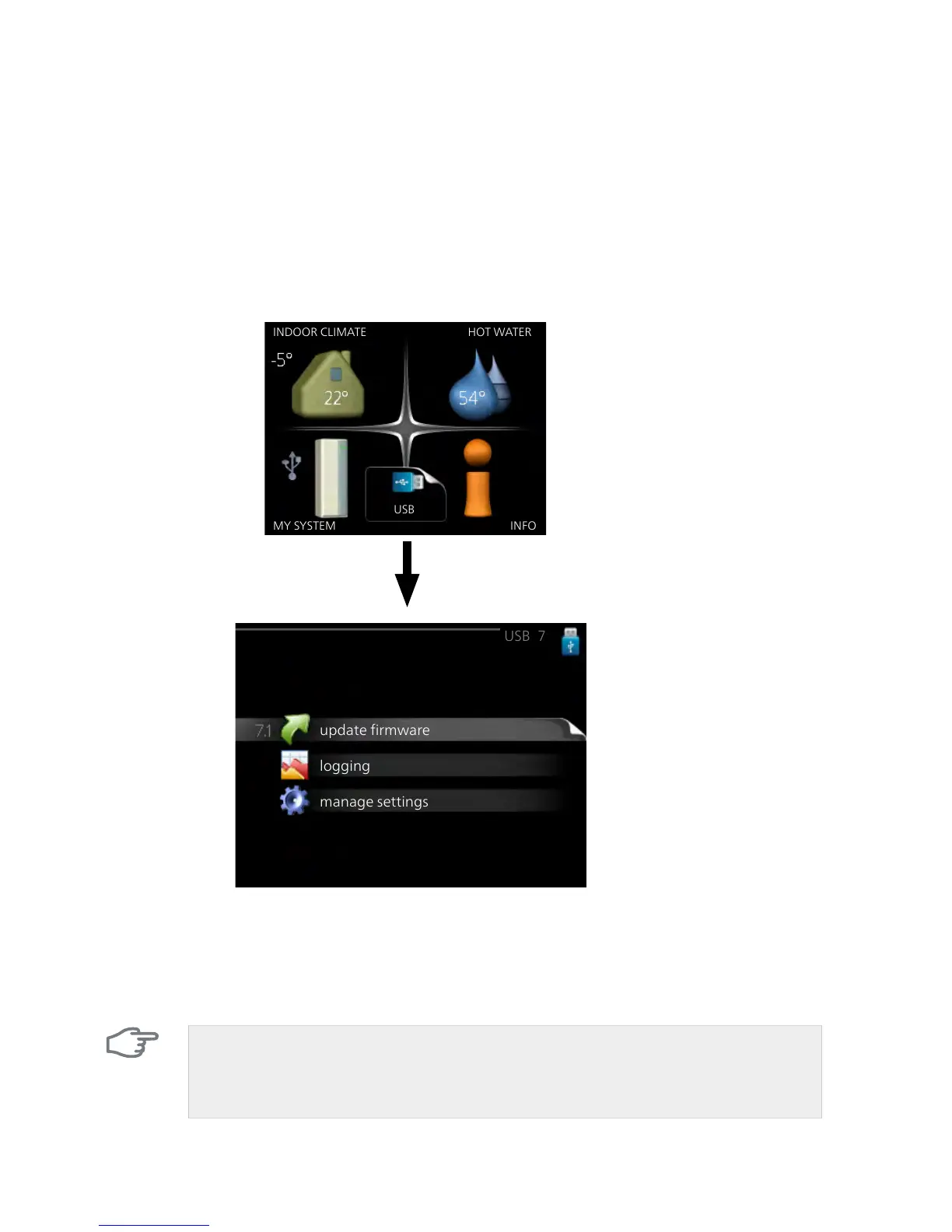
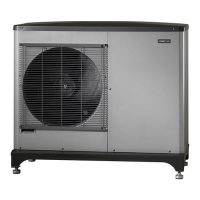
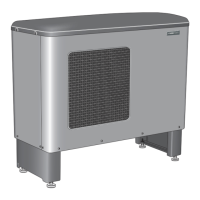
Updating the software in F2120 via the indoor module or
control module
The latest software for both F2120 and the indoor module/control module
can be found at www.nibeuplink.com.
Click the "Software" tab to download the latest software for your installa-
tion.
Save the files to a USB memory. Update F2120 and the indoor module/con-
trol module at the same time.
In menu 7.1 on the indoor module/control module, the following software
updates can be performed:
■
Software for the indoor module (VVM) or control module (SMO)
■
Software for outdoor module F2120
Caution
Software for the indoor/control module must be updated when software
for outdoor module F2120 is updated.
NIBE™ F2120Chapter 2 | The heat pump – the heart of the house16



 To Next Page