Caution
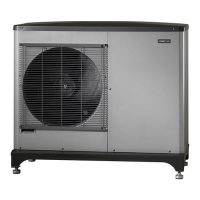
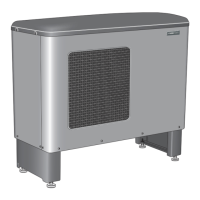
It can take up to 30 minutes to update the software for F2120.
Caution
Restart the indoor module/control module to see the correct version
number of the software.
For cascade installation, together with SMO 40, all F2120 are updated in
the address order. Deactivate F2120 which is not to be updated.
More detailed information about updating software via USB can be found
in the installer manual for your indoor module or control module.
Saving tips
Your heat pump installation produces heat and cooling and/or hot water.
This occurs via the control settings you made.
Factors that affect the energy consumption are, for example, indoor tem-
perature, hot water consumption, the insulation level of the house and
whether the house has many large window surfaces. The position of the
house, e.g. wind exposure is also an affecting factor.
Also remember:
■
Open the thermostat valves completely (except in the rooms that are to
be kept cooler for various reasons, e.g. bedrooms). The thermostats slow
the flow in the heating system, which the heat pump wants to com-
pensate with increased temperatures. It then works harder and consumes
more electrical energy.
■
Reduce or adjust the settings for heating in any external control systems.
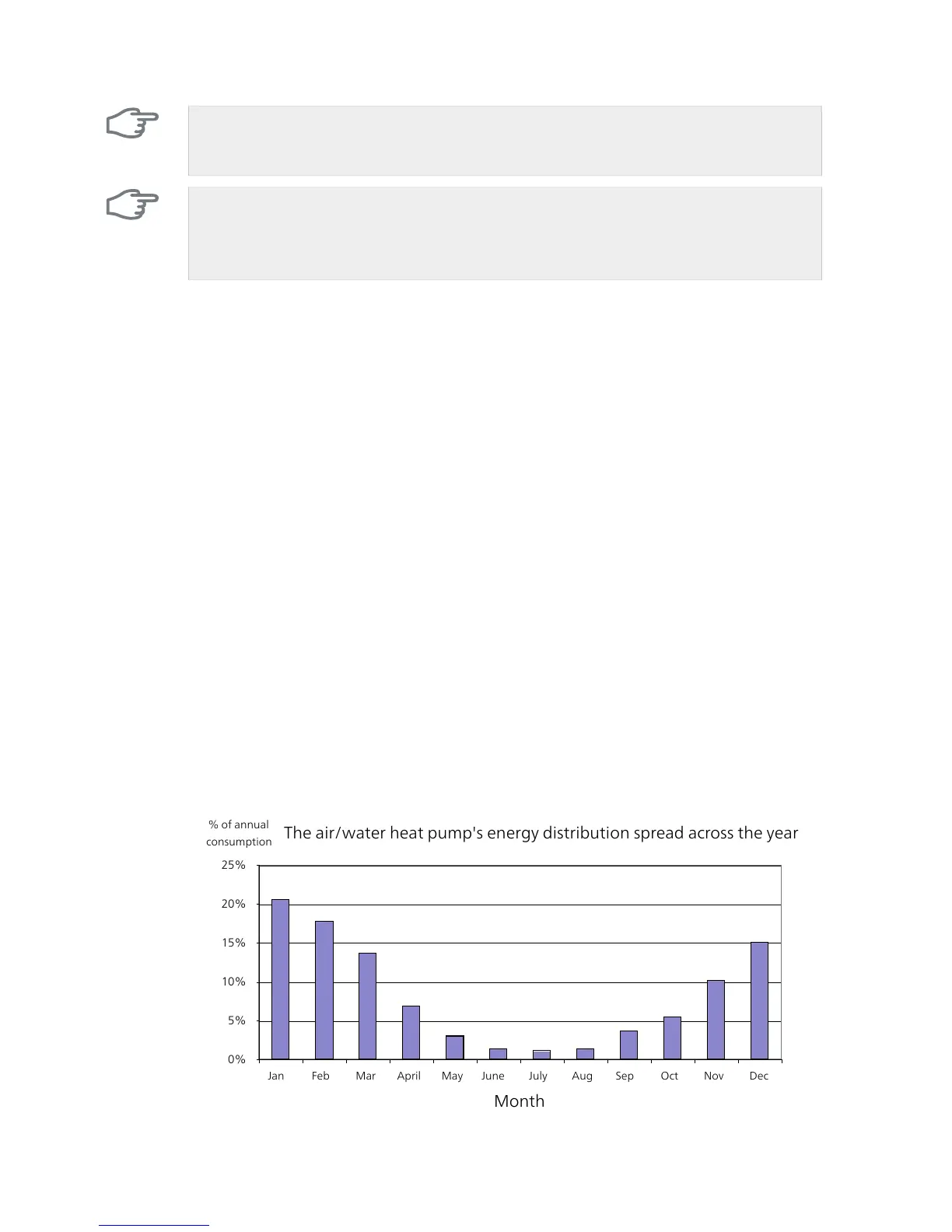
Power consumption



 To Next Page