EasyManua.ls Logo

Nidek Medical ARK-500A - User Manual

Nidek Medical ARK-500A
75 pages
Print Icon
To Next Page IconTo Next Page
Loading...
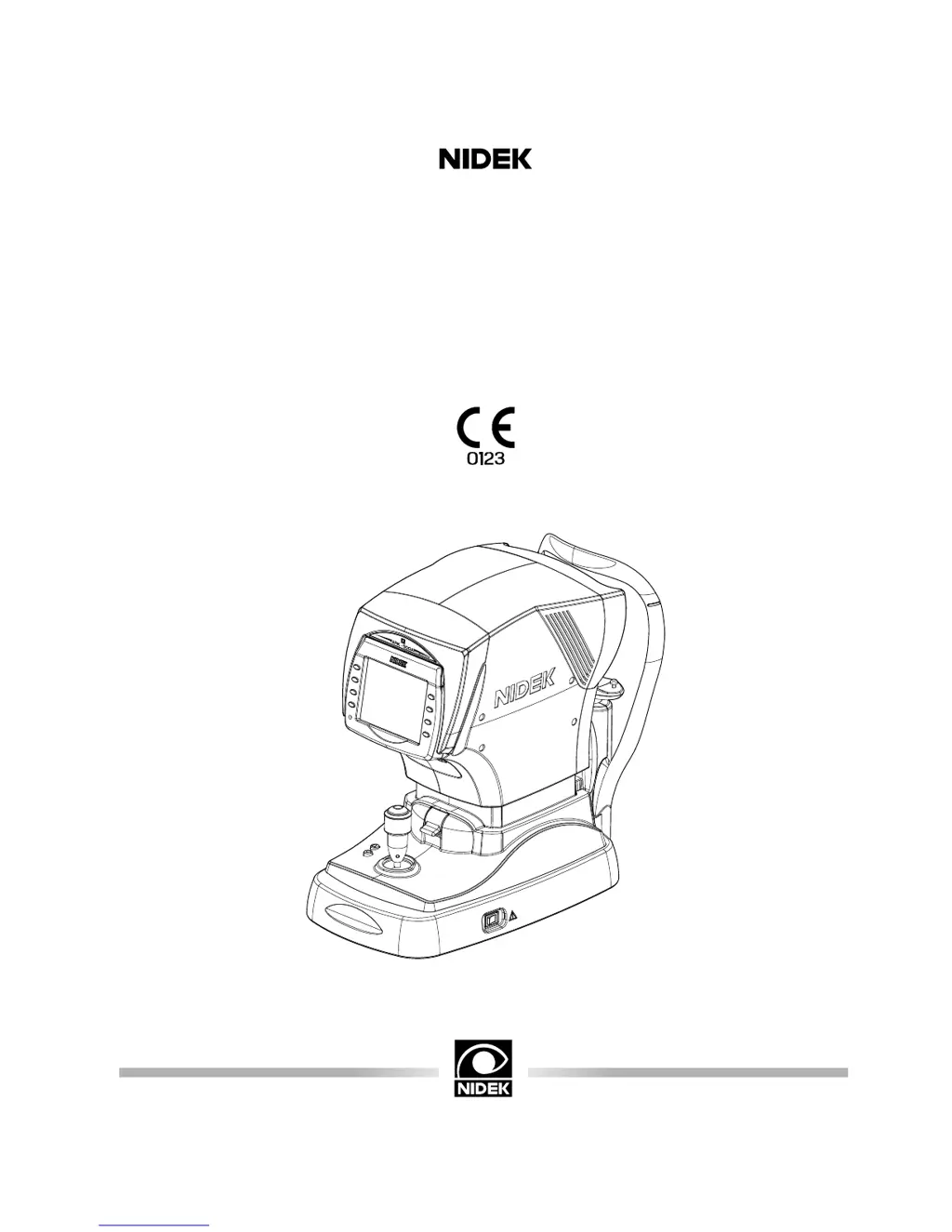
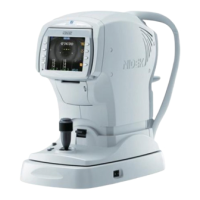
AUTO REF/KERATOMETER
Model ARK-500A
OPERATOR’S MANUAL

Questions and Answers

  • P
    penakyleAug 18, 2025
    What to do if data is not printed out with Nidek Medical Equipment?
    • C
      Carrie ScottAug 18, 2025
      If the Nidek Medical Equipment printer doesn't print, first, ensure you load new printer paper if it has run out. Also, check the '31. PRINT' parameter and reset it if it is set to 'NO'.
  • A
    Angela CaldwellAug 20, 2025
    How to fix Nidek Medical Equipment LCD when it does not turn on?
    • L
      Lauren RyanAug 20, 2025
      If the Nidek Medical Equipment's LCD does not turn on, ensure the power cord is securely connected. Also, check that the power switch is turned on.
  • C
    Christina FloresAug 23, 2025
    What to do if the screen disappears suddenly on Nidek Medical Equipment?
    • R
      Roy HaleyAug 23, 2025
      If the screen of your Nidek Medical Equipment disappears suddenly, it may have entered sleep mode. Press any button to exit sleep mode.
  • J
    Jason JacksonAug 26, 2025
    What to do if Nidek Medical Equipment shows 'ERROR' or 'NO PAPER' even when paper is loaded?
    • B
      Bradley GomezAug 26, 2025
      If, after turning on the power or pressing the print button on your Nidek Medical Equipment, you see 'ERROR' or 'NO PAPER' even with paper loaded, ensure the printer cover is securely closed. Remember that the printer needs some time to get ready after the cover is closed.
  • J
    Julie BushAug 28, 2025
    How to troubleshoot printer paper feed issues in Nidek Medical Equipment?
    • E
      elizabethnguyenAug 28, 2025
      If the Nidek Medical Equipment printer paper does not feed, open the printer cover and ensure the paper is loaded correctly and that the roll's core is properly placed.
  • D
    dawn55Aug 30, 2025
    Why am I not getting printed results from my Nidek Medical Equipment even though the printer is working?
    • N
      Nicholas RamirezAug 31, 2025
      If the printer operates but you can't get printed results from your Nidek Medical Equipment, make sure the printer paper is loaded with the correct side facing up.
  • D
    Dr. Darrell MillerSep 2, 2025
    Why isn't the auto-tracking or auto-shooting function working on my Nidek Medical Equipment?
    • J
      James BauerSep 2, 2025
      If the auto-tracking or auto-shooting function on your Nidek Medical Equipment isn't working, first, ensure these functions are turned on using the auto button. If room illumination reflects on the cornea, change the location and try measuring again. For eyes with conditions like keratoconus or recent corneal surgery, or if the patient has ocular ataxia or cannot fixate their eyes, turn off the auto-tracking function and start the measurement. Also, light interference may affect these functions, so change the device's position and remeasure.
  • M
    Michael MartinSep 4, 2025
    How to unlock the Nidek Medical Equipment main body for lateral movement?
    • E
      Elizabeth MurphySep 4, 2025
      If the Nidek Medical Equipment's main body cannot be moved laterally, check if the locking lever is locked. If so, flip it up.
  • E
    Emily PetersSep 7, 2025
    What to do if the Nidek Medical Equipment LCD is not clear even when the power is on?
    • J
      Julie ArroyoSep 7, 2025
      If the Nidek Medical Equipment LCD is on but not clear, the sleep function may be active. Try pressing any button to recover the monitor's ON condition.
  • A
    Amanda EricksonSep 10, 2025
    What does “PD ERR” mean on Nidek Medical Equipment and how to fix it?
    • J
      James RichardsSep 10, 2025
      If “PD ERR” is displayed on the Nidek Medical Equipment screen, make sure that the PD measuring window is not blocked.

Summary

NIDEK ARK-500 A Configuration Overview

Front View Components

Details components of the device's front view, including controls and display.

Initial Setup Before First Use

Preparation for Measurement Procedures

Switching to Manual Measurement Mode

Explains how to disable auto-tracking and auto-shooting functions.

AR;KM Measurement Mode

AR Measurement Mode

KM Measurement Mode

Corneal Size (CS) Measurement

Pupil Size (PS) Measurement

Pupillary Distance (PD) Measurement

Auto-PD Measurement

Details automatic PD measurement based on parameter settings.

Connecting to NIDEK Motorized Refractor (RT) or Computer

Connecting to NIDEK Auto Lensmeter (LM)

Reading Patient IDs via Barcode

Troubleshooting Common Issues

Error Messages and Countermeasures

Replacing Printer Paper

Checking Measurement Accuracy

Cleaning Procedures

Nidek Medical ARK-500A Specifications

General IconGeneral
BrandNidek Medical
ModelARK-500A
CategoryMedical Equipment
LanguageEnglish

Related product manuals