EasyManua.ls Logo

Nidek Medical NT-2000 - User Manual

Nidek Medical NT-2000
52 pages
Print Icon
To Next Page IconTo Next Page
Loading...
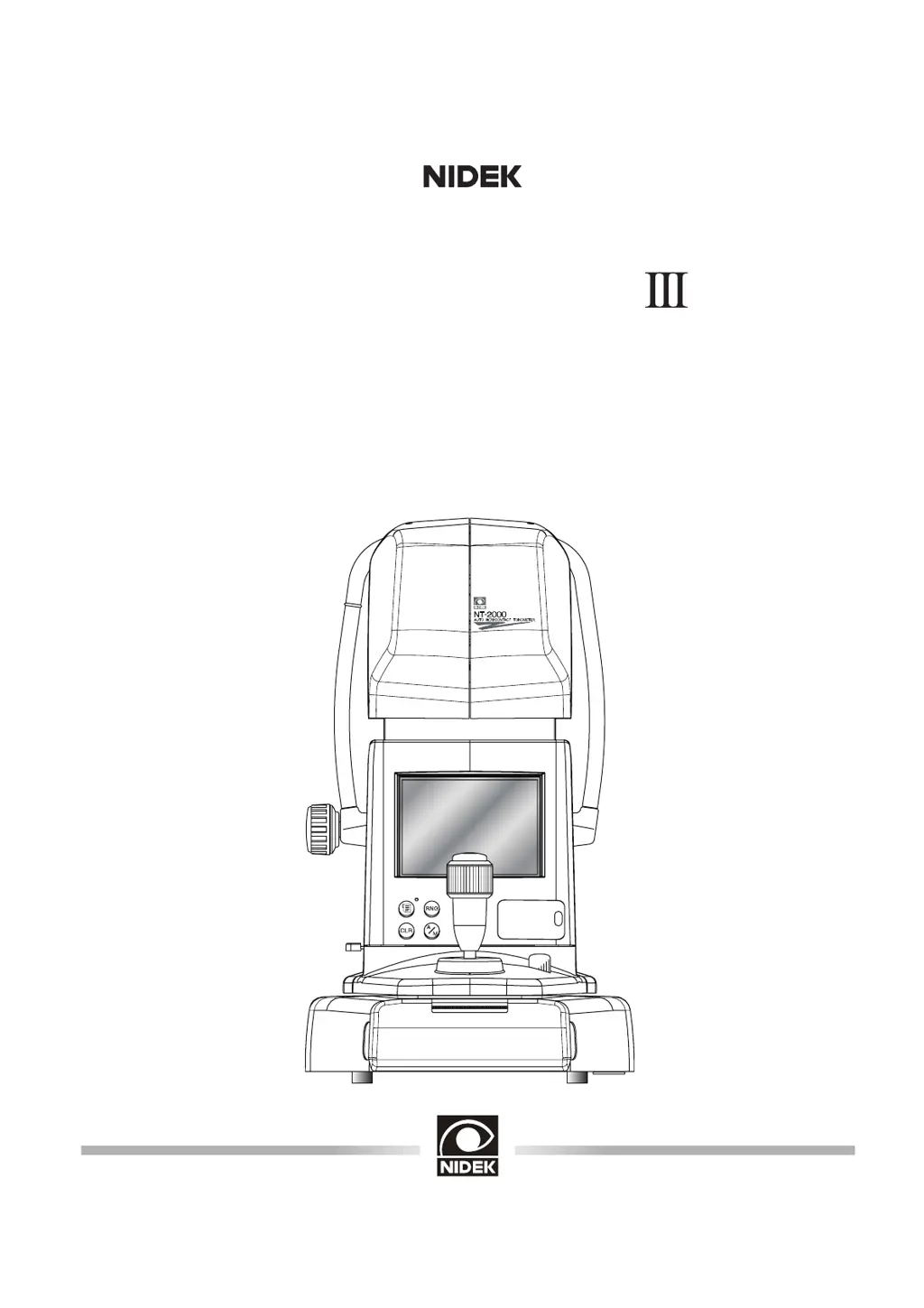
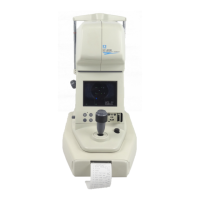
NON-CONTACT TONOMETER
Model NT-2000
(
M
)
OPERATOR’S MANUAL

Questions and Answers

  • B
    brittney49Sep 23, 2025
    What does WRN5:PRES ERROR mean for Nidek Medical Equipment?
    • S
      Shane ReevesSep 23, 2025
      If you see 'WRN5:PRES ERROR' on your Nidek Medical Equipment, the cause may be failure of the solenoid or the air pressure sensor, or maladjustment of the piston. Turn OFF the power of the instrument and contact NIDEK or your authorized distributor.
  • C
    Christopher ConradAug 23, 2025
    What to do if Nidek Medical Equipment printing out cannot be performed?
    • T
      Tanya KimAug 23, 2025
      If your Nidek Medical Equipment isn't printing, it could be due to a few reasons: * The printer paper may have run out. Check and replace the paper if necessary. * The printer paper may be jammed. Remove any jammed paper. * The measurement data might be deleted. Check the memory lamp to see if the measurement data is stored in the instrument.
  • W
    William StoneAug 25, 2025
    Why Nidek Medical Equipment screen does not turn ON though the instrument is powered ON?
    • P
      Patrick RiveraAug 26, 2025
      If the screen on your Nidek Medical Equipment doesn't turn on even though the instrument is powered on, it could be due to the following: * The monitor auto-OFF function may be activated. If the memory lamp is blinking, try pressing any switch. * The brightness adjustment may not be correct. Adjust the brightness using the control panel under the cover for the sub-switches.
  • G
    gonzalesericaAug 27, 2025
    What to do if Nidek Medical Equipment screen suddenly turns OFF?
    • C
      Chad DrakeAug 27, 2025
      If the screen on your Nidek Medical Equipment suddenly turns off, here's what might be happening: * The monitor auto-OFF function is activated. If the memory lamp is blinking, press any switch. * The fuses are blown. Check the fuses and replace them if necessary.
  • K
    Karen TaylorAug 27, 2025
    Why the main unit of Nidek Medical Equipment cannot be moved horizontally?
    • O
      Oscar MendezAug 27, 2025
      If the main unit of your Nidek Medical Equipment cannot be moved horizontally, it is possible that the locking knob is set to LOCK or BRAKE. Cancel the LOCK or BRAKE of the locking knob.
  • C
    Christina GreenSep 16, 2025
    What does ERR11:CHECKSUM ERROR mean for Nidek Medical Equipment?
    • C
      Craig SheltonSep 16, 2025
      If you see 'ERR11:CHECKSUM ERROR' on your Nidek Medical Equipment, it may be due to failure of the main board. Turn OFF the power of the instrument and contact NIDEK or your authorized distributor.
  • R
    Rachel RodriguezSep 13, 2025
    What does ERR9:CHARGE ERROR mean for Nidek Medical Equipment?
    • D
      Donald IbarraSep 13, 2025
      If you see 'ERR9:CHARGE ERROR' on your Nidek Medical Equipment, it may be caused by a failure of the transformer or the driver board, or break of the cable. Turn OFF the power of the instrument and contact NIDEK or your authorized distributor.
  • E
    Erik WhiteSep 14, 2025
    What does ERR10:RAM ERROR mean for Nidek Medical Equipment?
    • L
      Lauren HendersonSep 14, 2025
      If you see 'ERR10:RAM ERROR' on your Nidek Medical Equipment, it may be due to failure of the main board. Turn OFF the power of the instrument and contact NIDEK or your authorized distributor.
  • S
    Shannon BradySep 5, 2025
    Why the printed date, time and patient No. of Nidek Medical Equipment are not correct?
    • E
      Emily WhiteSep 5, 2025
      If the printed date, time, and patient number are not correct on your Nidek Medical Equipment, the backup battery may be dead. Contact NIDEK.
  • F
    Frank CampbellSep 3, 2025
    Why the printed characters of Nidek Medical Equipment are imperfect?
    • J
      Jeremy JacksonSep 3, 2025
      If the printed characters from your Nidek Medical Equipment are imperfect, the printer head may be damaged. Contact NIDEK.

Summary

Safety Precautions for NIDEK NT-2000

Storage, Transport, and Installation Safety Guidelines

Guidelines for safe environmental conditions and handling during storage, transport, and installation.

Wiring, Connection, and EMC Safety

Precautions for electrical connections, grounding, and avoiding electromagnetic interference.

Safe Instrument Usage and Handling

Essential safety instructions for operating the tonometer, including warnings and cautions.

Post-Use, Maintenance, and Disposal Safety

Procedures for safe handling after use, maintenance, and proper disposal of the instrument.

Operating Procedures for NIDEK NT-2000

Error Handling and Sub-switch Operations

Guides on resolving measurement errors and operating sub-switches like eyelid detection and test modes.

Troubleshooting Guide for NT-2000

Primary Troubles and Countermeasures

Lists common instrument problems and their suggested solutions for quick resolution.

Error Messages and Their Solutions

Details specific error messages displayed by the instrument and their countermeasures.

Maintenance Procedures for NIDEK NT-2000

Nidek Medical NT-2000 Specifications

General IconGeneral
BrandNidek Medical
ModelNT-2000
CategoryMedical Equipment
LanguageEnglish

Related product manuals