EasyManua.ls Logo

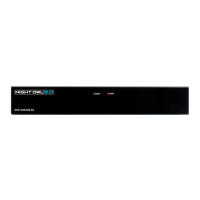
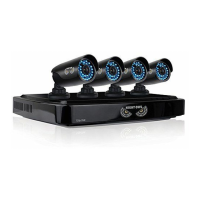
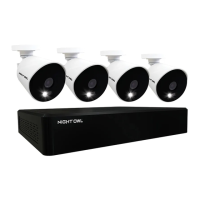
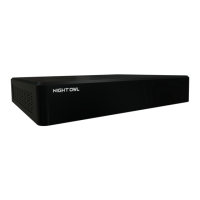
Night Owl IC8 Series - User Manual

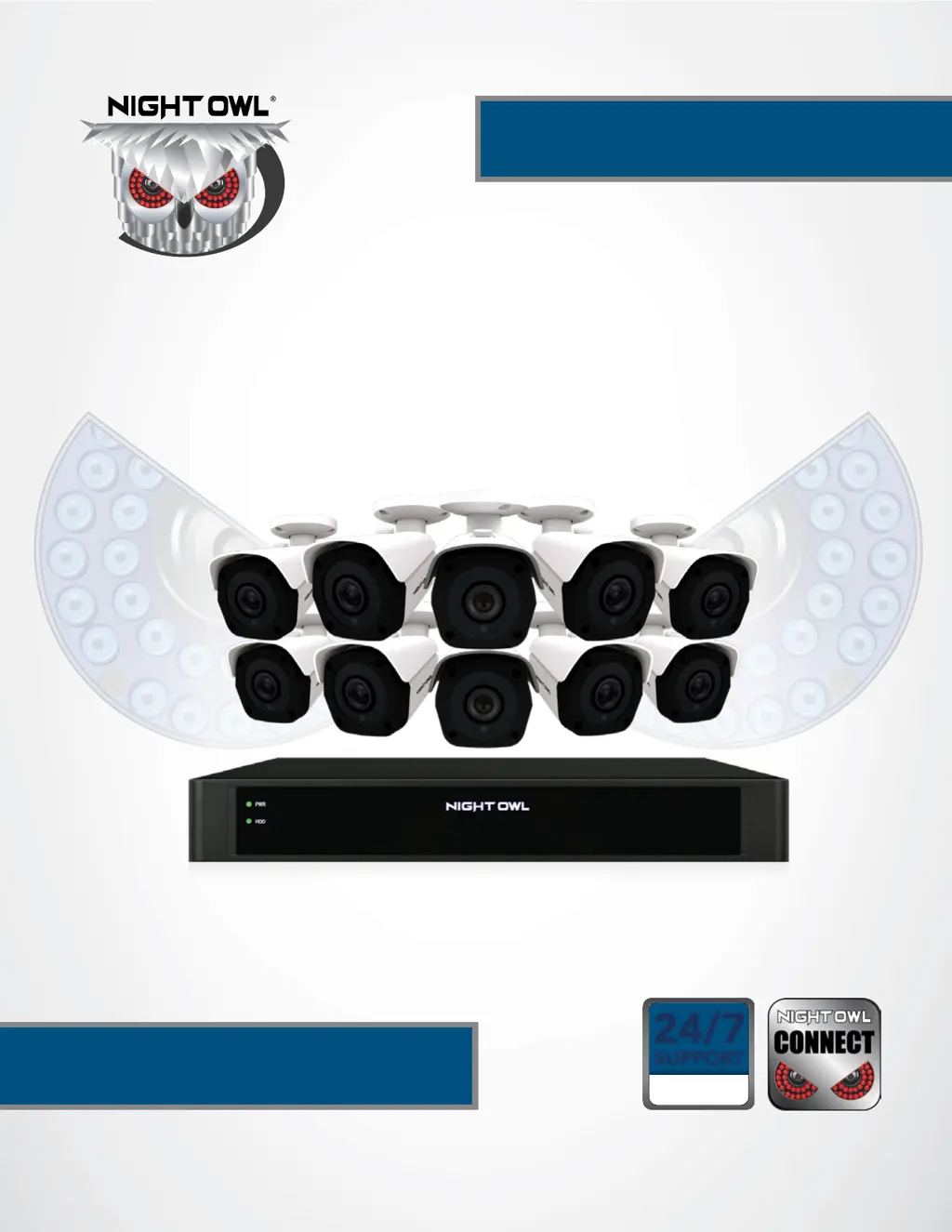
Night Owl IC8 Series
81 pages
Print Icon
To Next Page IconTo Next Page
Loading...
IC8 SERIES
24/7
SUPPORT
English
Español / Français
USER’S MANUAL
www.NightOwlSP.com

Questions and Answers

  • R
    rachel21Aug 5, 2025
    Why is my Night Owl DVR system not receiving power?
    • J
      james74Aug 5, 2025
      If your Night Owl DVR system isn't receiving power or turning on, first, check that all power cables are correctly and securely connected, including the adapter at the back of the unit. If the cables are connected, ensure the system is powered ON and the LED indicators are lit. If connected to a power bar or surge protector, bypass it and plug directly into the wall outlet. Verify the outlet has power by testing with another device, like a phone charger, or try a different outlet.
  • D
    dtrevinoAug 12, 2025
    How to turn off beep on Night Owl IC8 DVR motion detection?
    • N
      Natalie WalkerAug 13, 2025
      To stop the beeping during motion detection on your Night Owl system, go to the General Menu, then Video Alarm. Select the channel and turn Audible Warning to off.
  • P
    Patrick JeffersonAug 20, 2025
    How to fix no sound on my Night Owl NVR?
    • H
      Heather JohnsonAug 20, 2025
      If your Night Owl NVR image appears without sound, check the AUDIO connection to the NVR. Also, right-click in Live View and ensure Volume is enabled. If you are using external speakers (not included), increase their volume.
  • A
    Ashley OdomAug 27, 2025
    What to do if Night Owl IC8 DVR mouse is not detected?
    • K
      Kimberly ShawAug 27, 2025
      If your Night Owl DVR system isn't detecting the mouse, ensure the mouse cable is firmly connected to the USB Mouse port on the front panel. If that doesn't work, power off the system by disconnecting the power cable. Then, firmly connect the USB mouse to the USB Mouse port on the front panel and reconnect the power cable to the DC 19V port on the rear panel.

Summary

FCC Warnings

FCC Compliance

Device compliance with FCC rules and guidelines for radio frequency emissions.

Safety Instructions

Operating Precautions

Essential safety precautions for operating and handling the NVR system.

Camera Installation

Camera Power and Mounting

Step-by-step instructions for connecting power and physically mounting cameras.

NVR Installation

Getting Started

Startup Wizard: Network and Account Setup

Configuring network connection, password, and recovery email during setup.

Startup Wizard: Camera and System Settings

Setting up the Night Owl Connect app, camera configuration, and default view.

Live View and System Navigation

Menus and Settings Configuration

Troubleshooting Guide

Night Owl IC8 Series Specifications

General IconGeneral
Number of Channels8
ConnectivityEthernet
Video OutputHDMI, VGA
Motion DetectionYes
Audio InputYes
Recording Resolution1080p
Remote ViewingYes
Operating System CompatibilityiOS, Android
Power Supply12V DC

Related product manuals