Englis h
2
1. Basic operation of the Nightfox Corsac 2
• The Nightfox Corsac 2 is a digital night vision device,
consisting of a special camera sensor, an infrared (IR) LED and
a viewing screen.
• To see at night, make sure the lens cap is removed and the
IR LED is turned on. Change the IR LED brightness using +
and - on the top of the device.
• Make the most of the Lunarsight sensor by setting IR to zero,
removing the lens cap and using the Corsac 2 in dark
environments with some ambient light.
• All Nightfox devices have a manual focus, so use the focus
wheel on the side of the device to sharpen the image.
• With the IR LED on full power, it is possible to see
approximately 220 yards (200 metres) at night.
• Nightfox devices cannot be damaged by daylight and can be
used to record footage during the day.
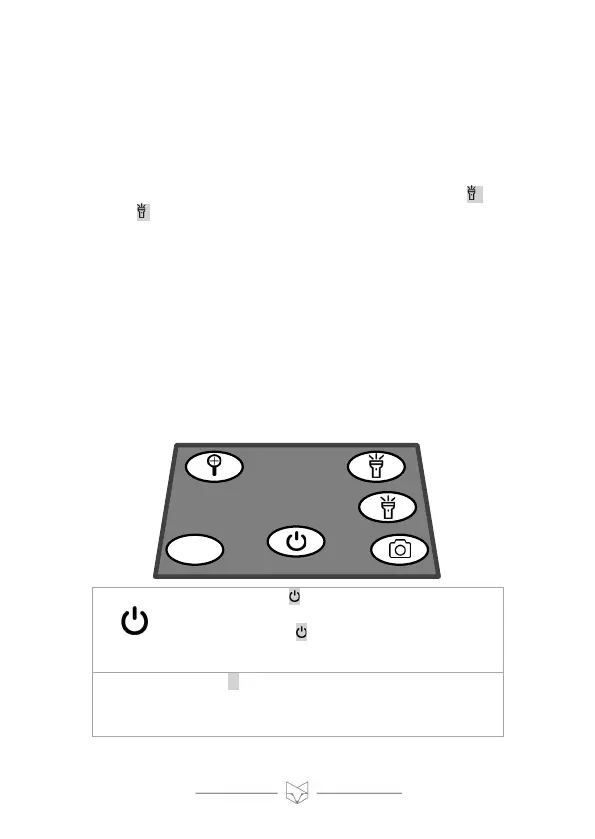
• Topside view of the Corsac 2 control panel:



 To Next Page