Englis h
8
9. Settings mode
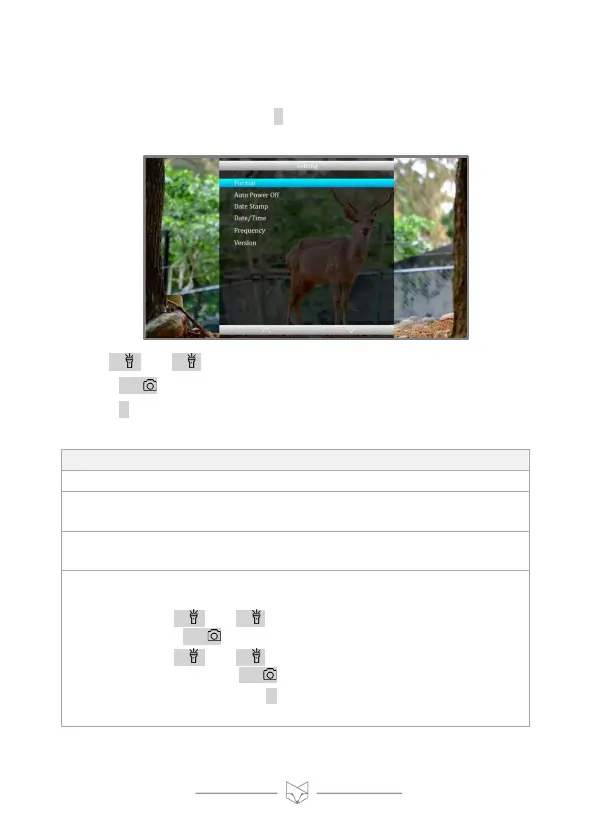
• To enter Settings mode, press M until the settings menu is displayed
(pictured).
• Use / + and / - to navigate the menu,
• Press OK/ to select a menu option.
• Press M to return to the previous menu.
Delete all files currently on the micro SD card.
Set the device to power off after a period of non-use. If
enabled, the options are 10, 30 or 60 minutes.
Choose whether a date and time stamp is included in
recorded videos and photos.
The date and time are in the format YYYY / MM / DD,
HH:MM:SS.
Use / + and / - to amend number highlighted in blue.
Press OK/ to set the number and move onto the next one.
Use / + and / - to adjust number. Once the date is
correct, press OK/ again to save.
At any time, press M to save and return to the settings
menu.



 To Next Page