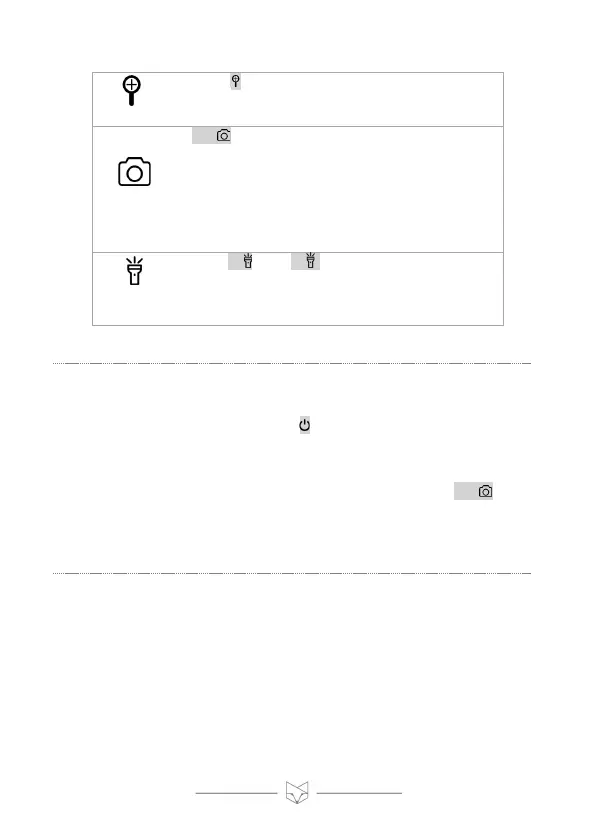
• Press to increase the digital zoom. On
reaching 3x, press again to disable digital zoom.
• OK/ has a different function depending on
the mode:
› Video mode: press to start/stop recording
› Photo mode: press to take a picture
› Playback mode: press to start/stop playing a
recording
› Settings mode: functions as the “OK” button
• Press / + and / - to change the IR LED
brightness.
• There are seven IR power levels. A higher power
increases the viewing range.
2. Powering on
• To turn the device on or off, hold for two seconds.
• Two information screens are displayed, reminding the user to
remove the lens cap (for night-time use) and focus the image.
• The default mode is Video mode. In this mode, pressing OK/
starts/stops video recording.
• The unit automatically resumes with the IR power setting last used.



 To Next Page