Englis h
4
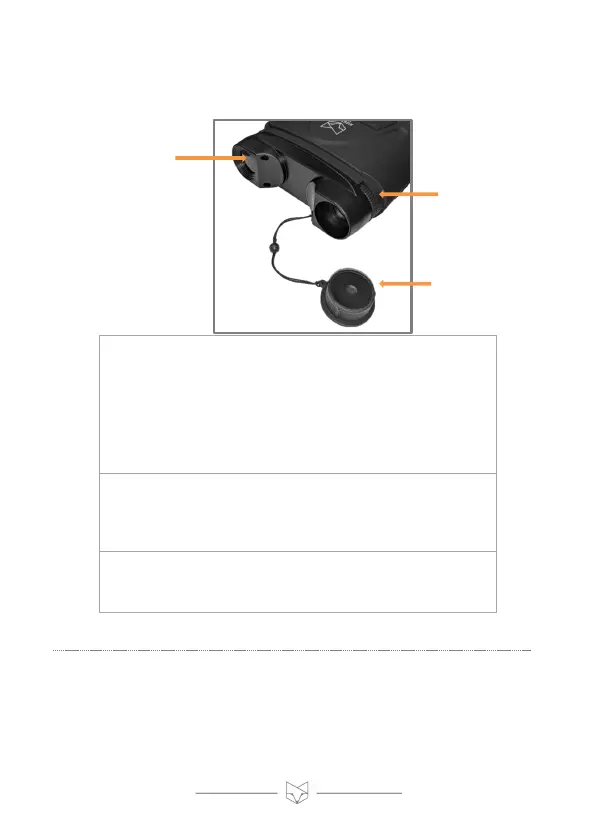
3. Removing the lens cap, focusing the image
The Corsac 2 has a manual focus camera lens.
The picture is blurred if not manually focused.
With the Corsac 2’s lens pointing at an object,
turn the focus wheel clockwise to reach the
minimum focal distance of 50cm. Turn the
wheel anti-clockwise to focus on objects that
are further away.
The lens cap must be removed for night-
time operation. Keep the lens cap attached
during daytime use. In daylight, the lens cap
acts as an IR filter to optimize performance.
This is where the Corsac 2’s infrared LED is
located. The LED softly glows red on higher IR
settings.



 To Next Page