T
114
T
Wi-Fi
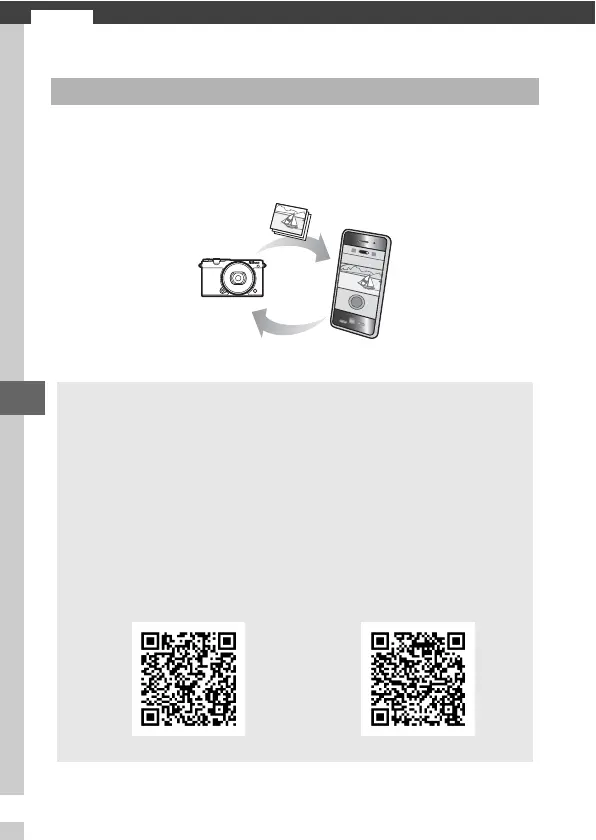
The camera can connect via Wi-Fi wireless networks to a smart
device (smartphone or tablet) running Nikon’s dedicated Wire-
less Mobile Utility app (0 118).
What Wi-Fi Can Do for You
Download pictures
Remote control
A
Installing the Wireless Mobile Utility App
1 Find the app.
On the smart device, connect to the Google Play service, the App
Store, or another app marketplace and search for “Wireless Mobile
Utility”.
For more information, see the instructions provided with
the smart device.
2 Install the app.
Read the app description and install the app.
A pdf manual for the
Wireless Mobile Utility is available for download at the following
URLs:
• Android: http://nikonimglib.com/ManDL/WMAU/
• iOS: http://nikonimglib.com/ManDL/WMAU-ios/
Android iOS



 To Next Page