196
g
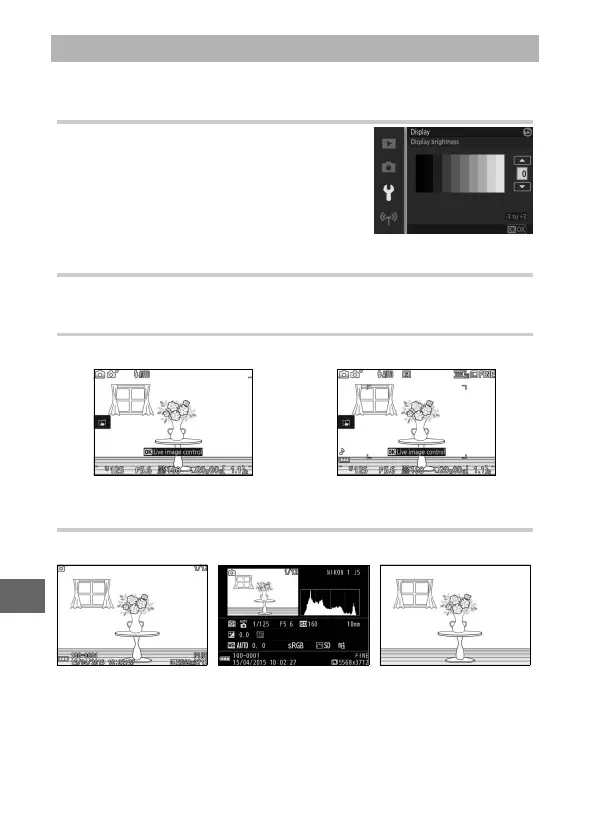
Adjust the following display options.
Display Brightness
Press 1 or 3 to choose a value for moni-
tor brightness. Choose higher values to
brighten the display and lower values to
make the display darker.
Grid Display
Select On to display a framing grid (0 36).
Shooting
Choose the information displayed during shooting (0 4).
Playback
Choose the information displayed during playback (0 125).
Display
Simple Detailed
Basic info Detailed info Image only



 To Next Page
 Loading...








