77
R
2
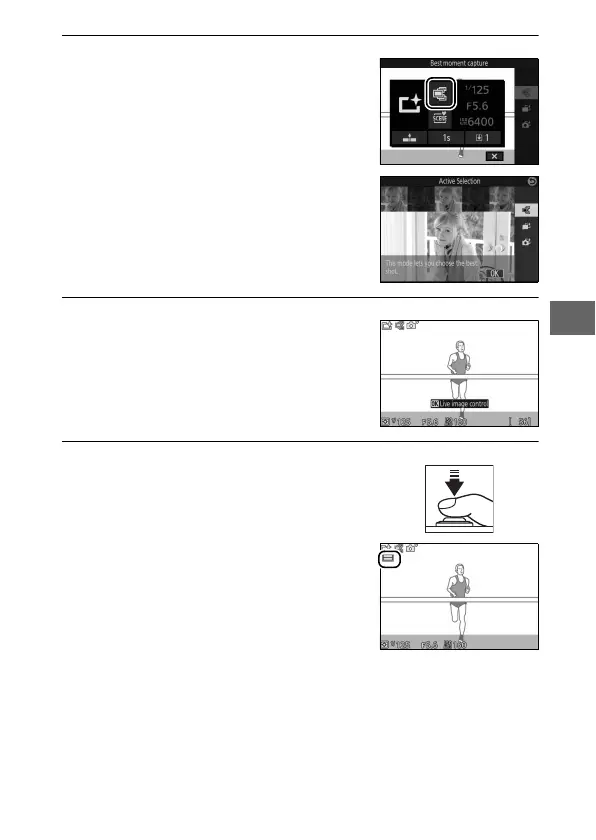
Choose Active Selection.
3
Frame the photograph.
4
Begin buffering photographs.
Press & (feature) to display the &
menu. Highlight Best moment cap-
ture and press J, then highlight
Active Selection and press J.
Compose the photograph with your
subject in the center of the frame.
Press the shutter-release button half-
way to focus (0 34). A & icon will be
displayed as the camera begins
recording images to the memory buf-
fer.



 To Next Page