42
e Scene Mode
More on Photography
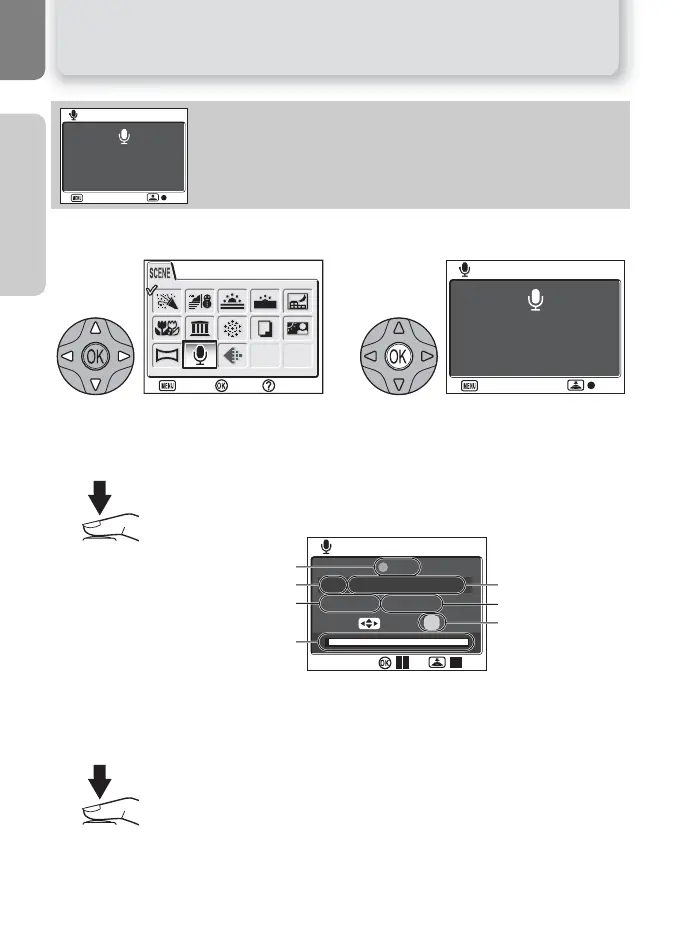
Making a Voice Recording
@ VOICE RECORDING
Voice recordings of about 29 minutes in the memory or up to five
hours on the memory card (256 MB or more) can be recorded.
12
Highlight @ (VOICE RECORDING) in the
scene menu.
The monitor will show a @ icon and the
length of the voice recording
(hr:min.:sec.) that can be made.
3
Press the shutter-release button to start recording.
While recording is in progress, the AF lamp will light and the following
indicators will be displayed in the monitor:
To pause ()) or resume recording, press I (the center of the multi se-
lector). While recording is paused, the AF lamp and self-timer lamp will
blink.
4
Press the shutter-release button again to end recording.
Recording will end automatically when no more memory is available or
after five hours.
2005.08.01 13:00
Max rec time
00:29:29
VOICE RECORDING
Back
REC
VOICE RECORDING
Confirm
Help
Exit
VOICE RECORDING
Back
REC
2005.08.01 13:00
Max rec time
00:29:29
001 2005 . 08 . 01 13:00
VOICE RECORDING
Index : 01
REC
00 : 00 : 03 / 00 : 29 : 26
Date of recording
Time remaining
Index number
Recording indicator
File number
Length of recording
Progress indicator


 To Next Page