62
Basic Camera Setup: The Setup Menu
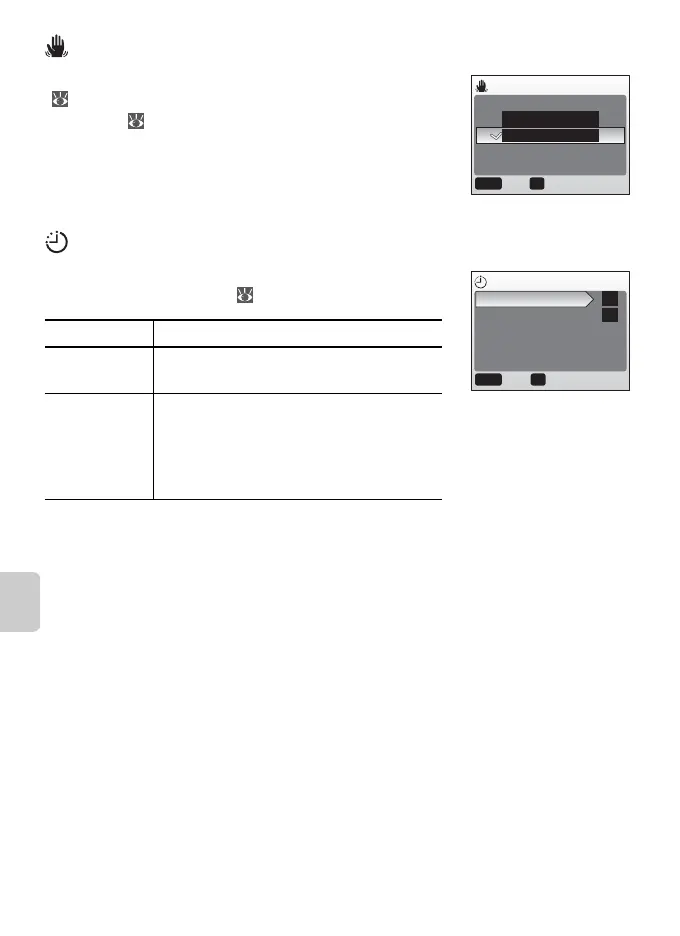
Blur Warning
Choose whether or not the blur warning is displayed
( 16). Note that the warning may not always be
displayed ( 85).
Auto Off
Choose the time before the monitor turns off auto-
matically to save power ( 8).
Regardless of the option selected, the monitor will remain on for a minimum
of three minutes when menus are displayed, and for thirty minutes during a
slide show.
Option Description
Auto off Choose delay before monitor turns off
when no operations are performed.
Sleep Mode Select On or Off. If On is selected, mon-
itor will turn off if no change is detected
in brightness of subject for 30 s (Auto
off set to 1 min. or less) or 1 min. (Auto
off set to 5 min. or more).
OK
Confirm
BLUR WARNING
Off
On
MENU
Exit
AUTO OFF
Auto off
Sleep Mode
MENU OK
ConfirmExit
1m
OFF





 To Next Page