E24
Reference Section
C More Information
See “Printing Images of Size 1:1” (E28) for more information.
DPOF printing
Print images for which a print order was created
using the Print order option (E42).
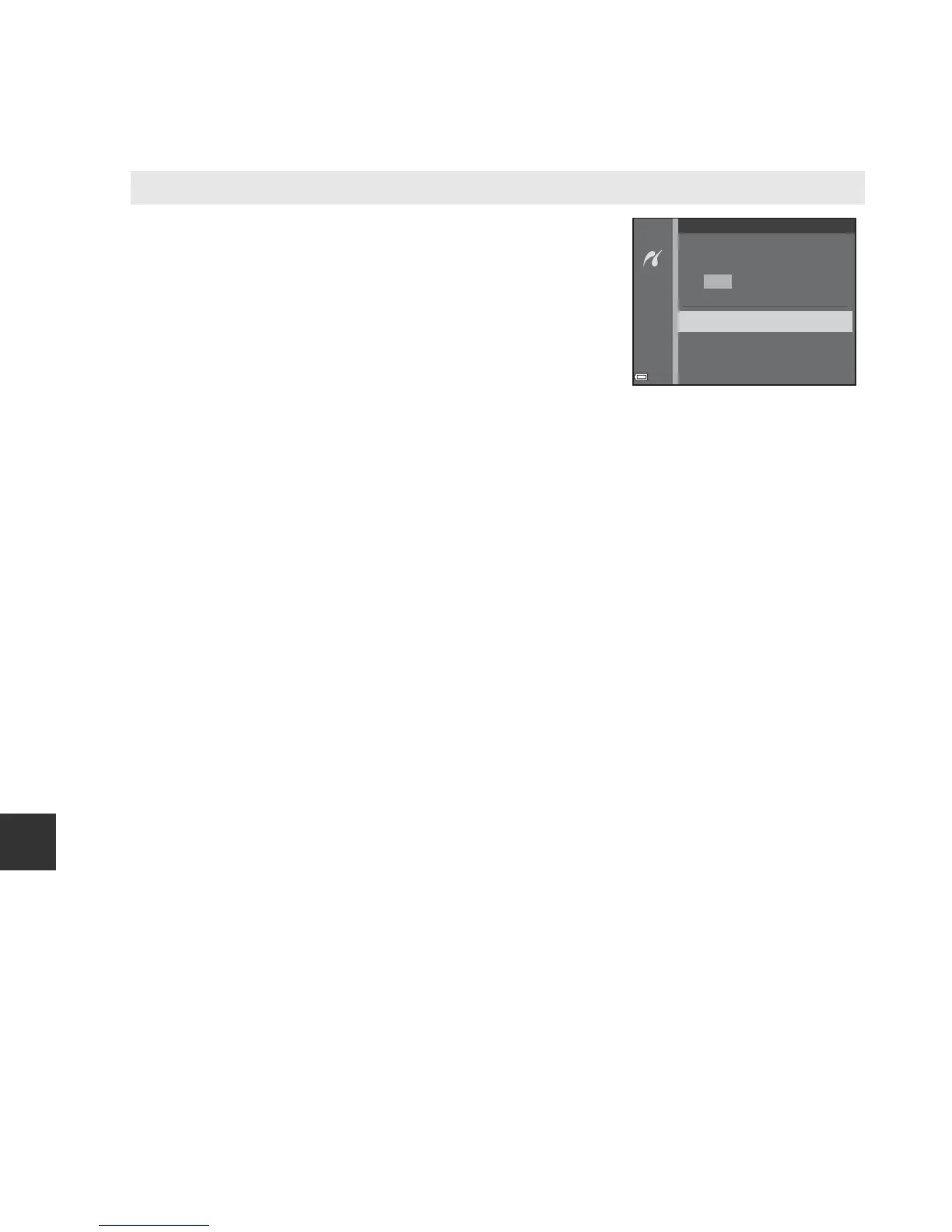
• When the screen shown on the right is displayed,
select Start print and press the k button to
start printing.
To view the current print order, select View
images and press the k button. To print
images, press the k button again.
5
DPOF printing
prints
Cancel
View images
Start print




 To Next Page