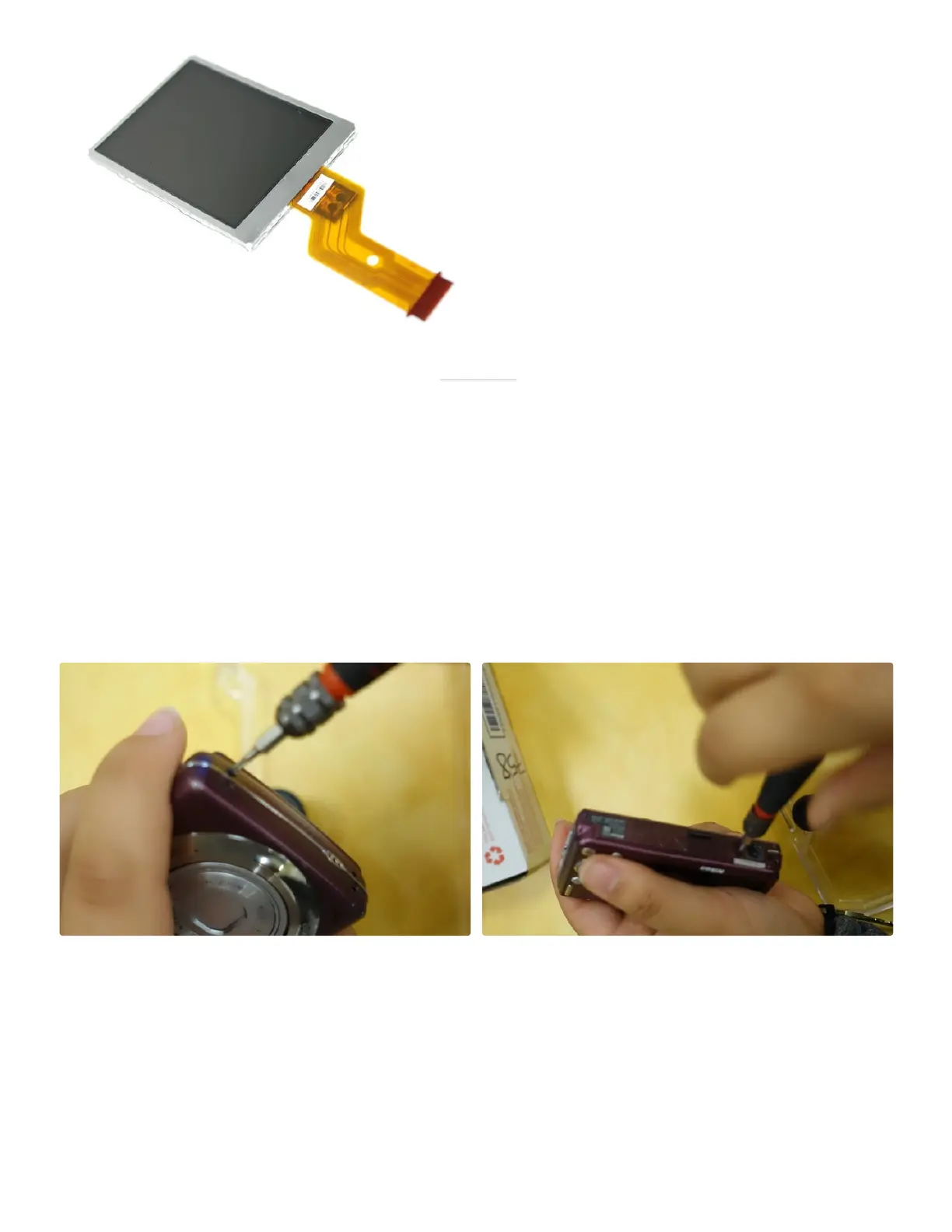
Step 2: Remove Screws
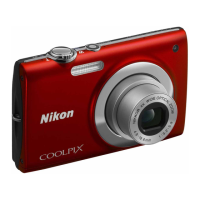
Unscrew all nine screws on the outside of the camera
using a Phillips screw driver. There are two 2.8 mm
screws on the left side of the camera and four 2.8 mm
screws on the right side of the camera. Flip over the
camera and on the bottom there should be three 4.1
mm screws. Make sure to not lose any of the screws, we
used a piece of tape to keep them all together.
Make sure to be careful when removing the screwsMake sure to be careful when removing the screws
as to not strip any of them.as to not strip any of them. If you strip one of the
screws it becomes very dicult to remove. But there are
solutions to get the screws out if you do strip them so do
not fret. The next step has solutions for stripped screws,
if you did not strip any screws feel free to skip this step.



 To Next Page